4–28 Aligning the Video Monitor
Preparation
NOTE
Make sure the screen is clean. A dirty screen can distort a
focused display. Use a soft tissue or cloth and a non-abrasive,
non-flamable glass cleaner, or use Digital’s video screen cleaner
(PN VT3XX-SC).
1. Perform the color adjustments (Section 4.4).
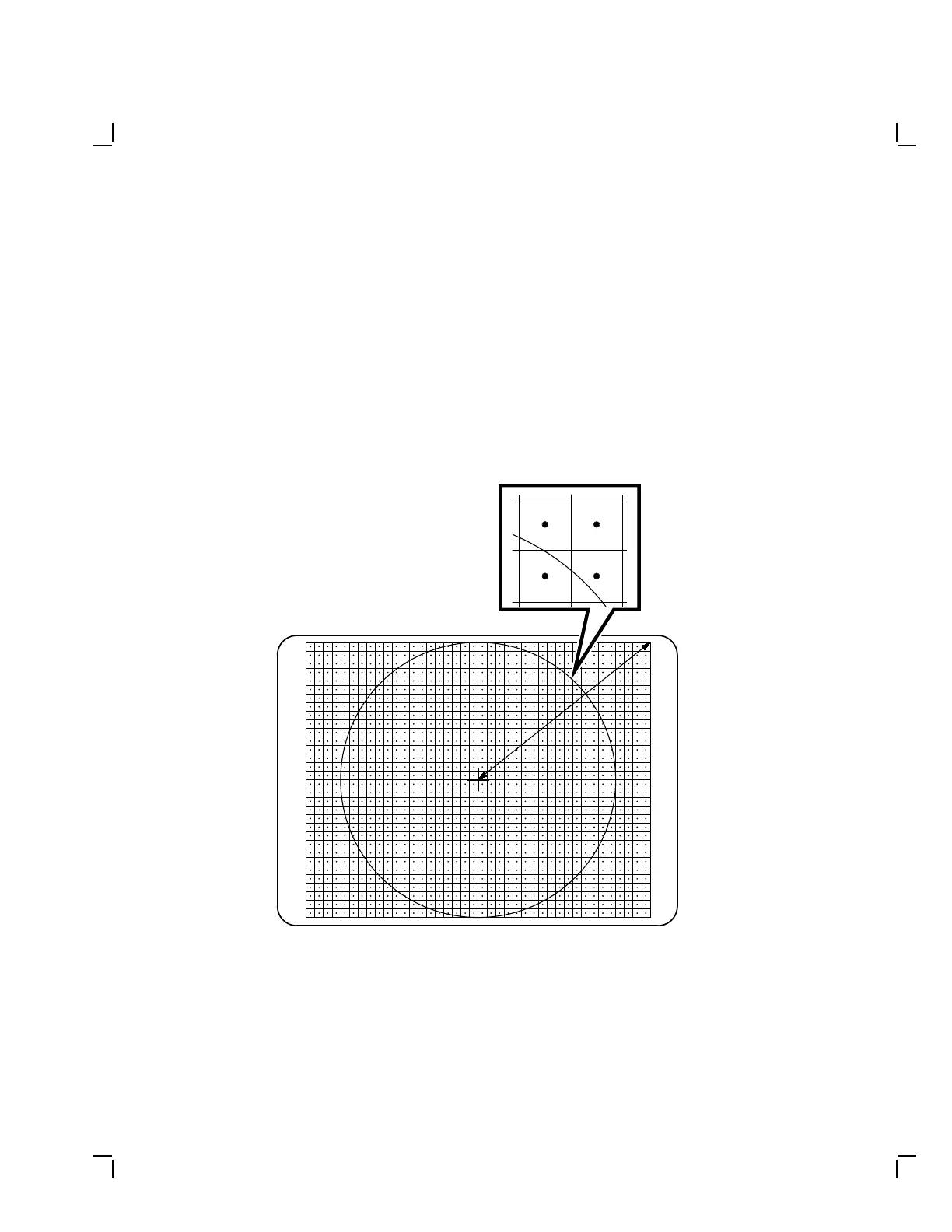
2. Display the circle-crosshatch screen (Figure 4–25).
MA-X0891-88
Figure 4–25 Circle-Crosshatch Screen



 To Next Page