Aligning the Video Monitor 4–25
4.5.7 Trapezoid (TRAP)
Check and adjust the screen display as follows:
1. Display the circle-crosshatch screen.
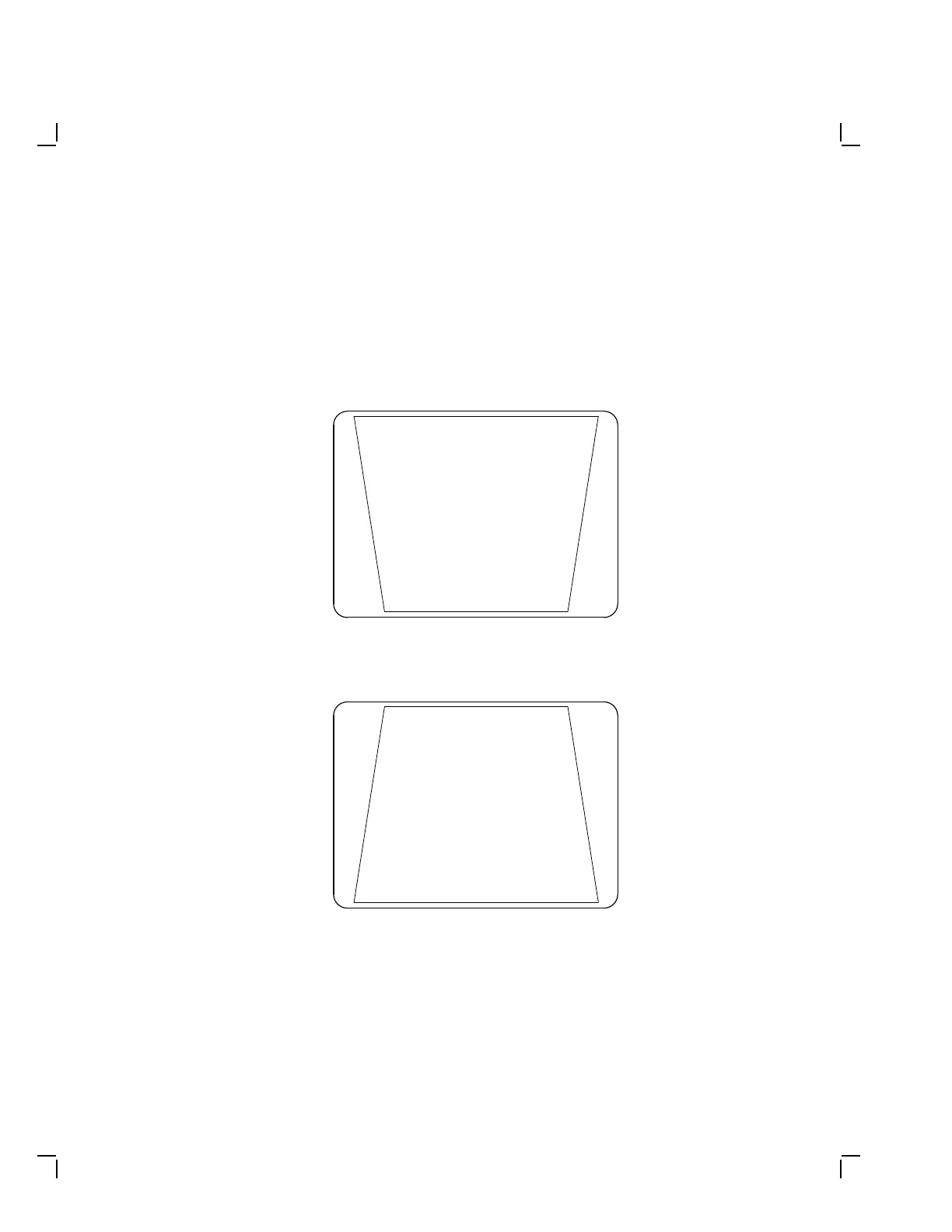
2. Be sure the screen does not form a trapezoid (Figure 4–21) or
(Figure 4–22).
MA-X0927-88
Figure 4–21 Screen Wider at Top
MA-X0929-88
Figure 4–22 Screen Wider at Bottom


 To Next Page