Aligning the Video Monitor 4–21
4.5.5 Horizontal Width (WIDTH)
Check and adjust the horizontal width as follows:
NOTE
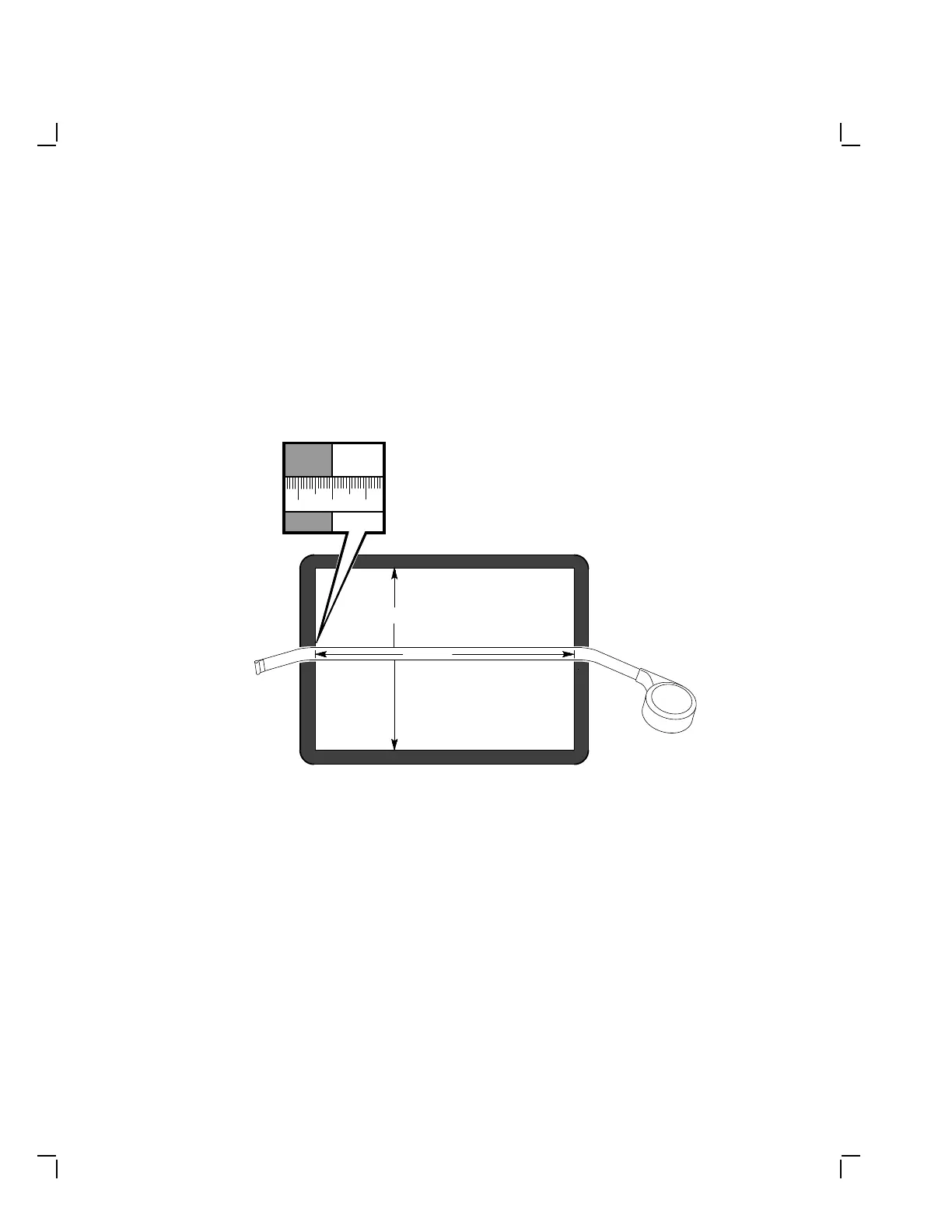
In the following steps, use a metric measuring tape (PN 29-
25342) to measure the dimensions of the screen display. To
avoid scratching the screen with the tape’s metal clip, start the
measurement at 10 cm on the measuring tape (Figure 4–16).
MA-1256-89.DG
10 119
273 mm
342 mm
Figure 4–16 Measuring the Width of the Viewing Area


 To Next Page