4–24 Aligning the Video Monitor
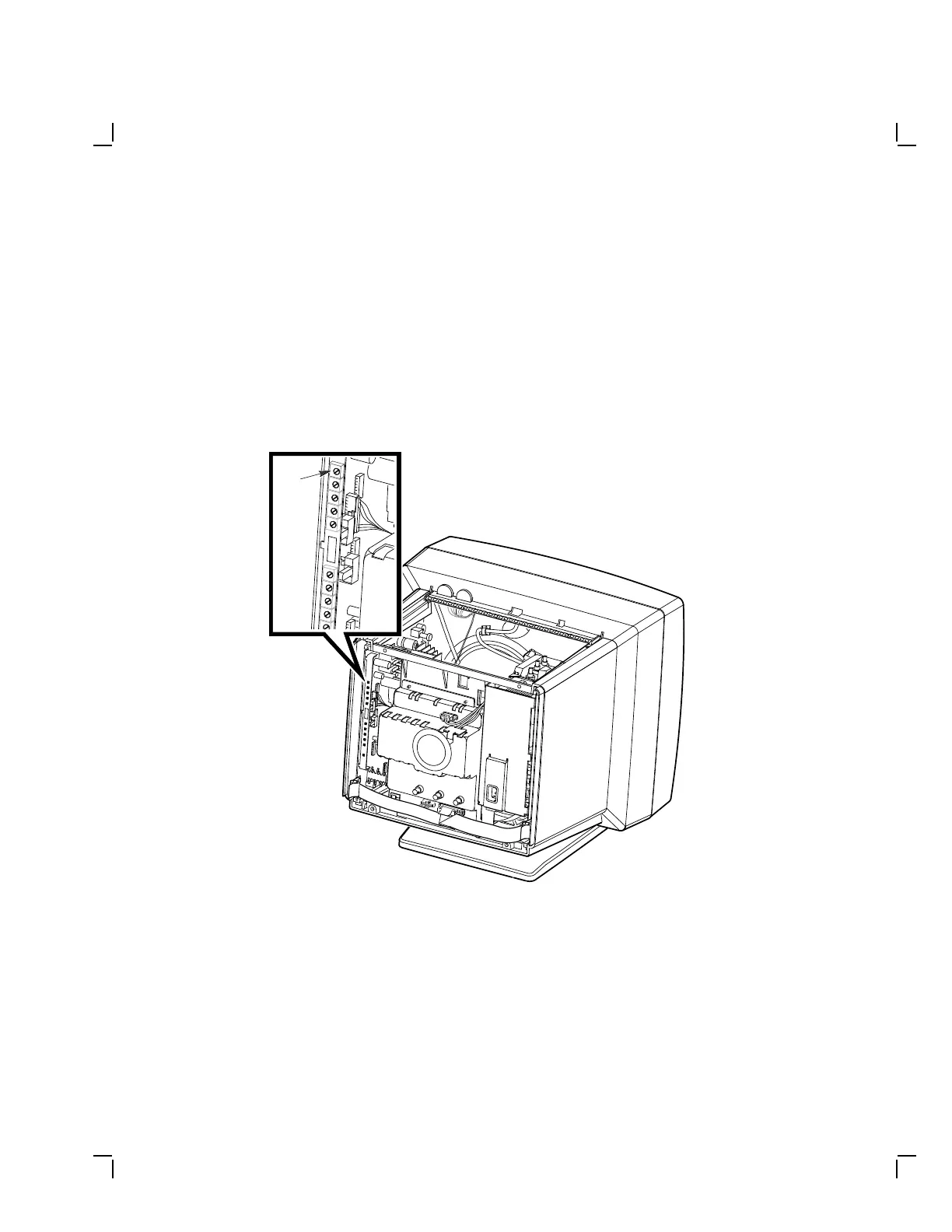
Check and adjust side pincushioning as follows:
1. Display the circle-crosshatch pattern.
2. Adjust the PIN control (Figure 4–20) until the sides of the display are
straight.
NOTE
Adjusting the PIN control may affect the width adjustment.
Recheck the display for correct width (Section 4.5.5).
MA-1029-89.DG
Pin
Figure 4–20 Pincushion Adjustment (PIN)


 To Next Page