20
Receiving Data by Bluetooth
®
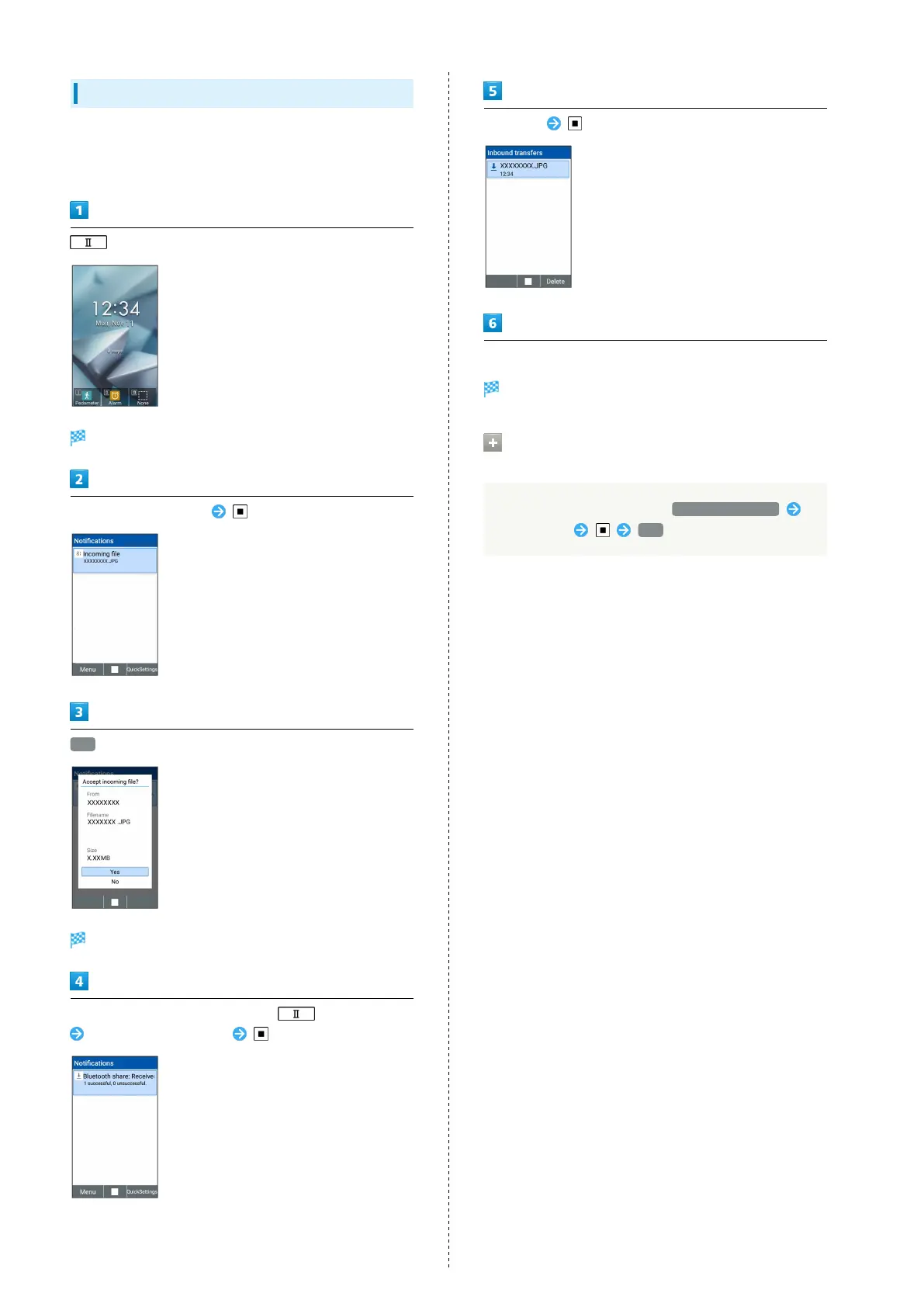
When a data receive request is sent from a paired device,
a share notification is shown on Notifications Window. To
receive data:
(Long Press)
Notifications Window opens.
Select share notification
Yes
File is received.
After files are received, in Standby, (Long Press)
Select share notification
Select file
Follow onscreen prompts
File is saved.
Receiving Phonebook via Bluetooth
®
Communication
On Bluetooth
®
settings screen, Receive Phonebook
Select device Yes



 To Next Page