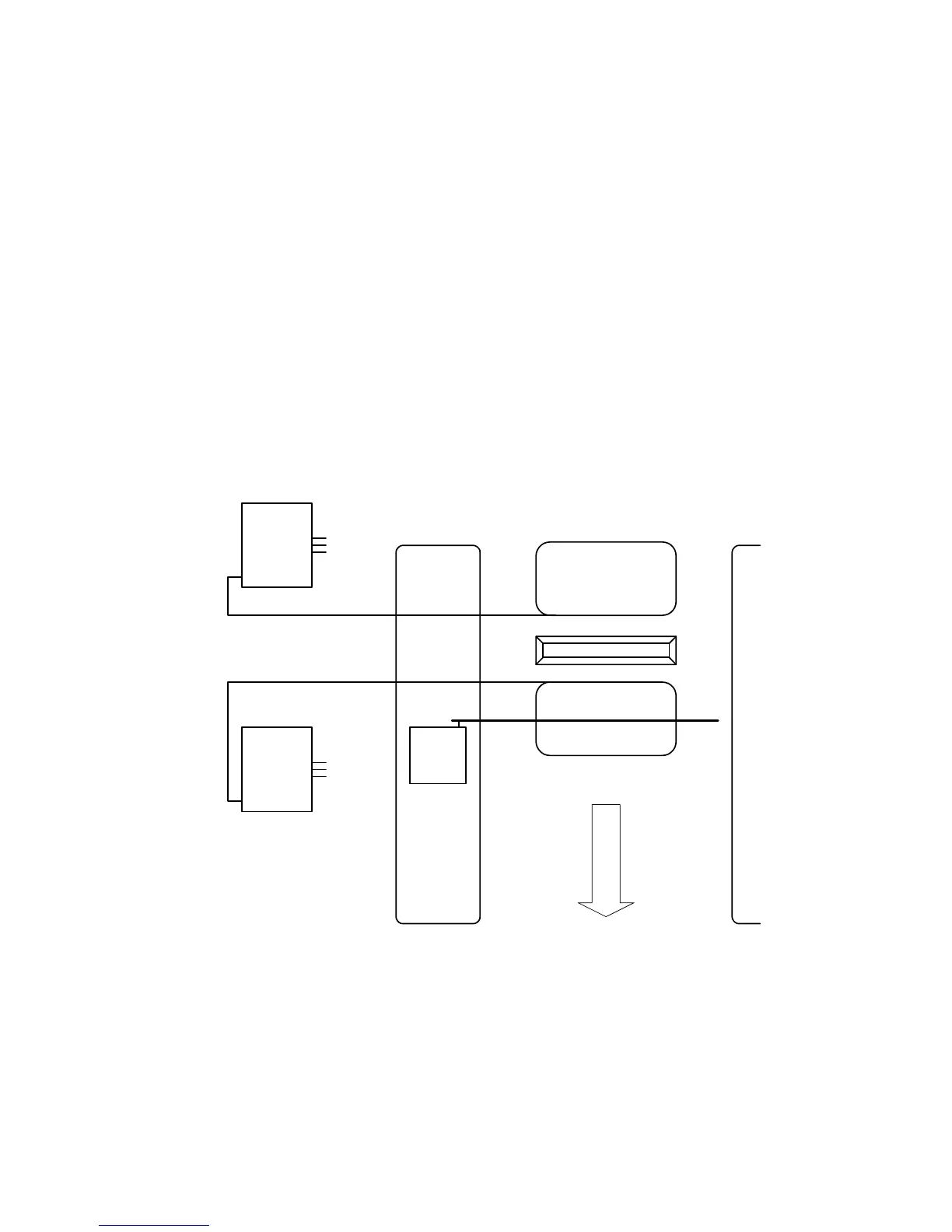
2.4.2 EXIT LANE APPLICATION
• Use a 9406 detector plugged into the DOWN port on the 1601 circuit board and connect the
DOWN loop to terminals TB-1 on this detector.
• Use a second 9406 detector plugged into the UP port on the 1601 circuit board and connect
the EXIT loop to terminals TB-1 on the detector.
• The timer (SW-1, switch 7) should be OFF. The arm will rotate down after the vehicle clears
the down loop.
• SW-1, switch 4 must be ON.
Traffic
Down Loop
9406 Loop
Detector
Speed Bump
Exit Loop
TB 1
TB 1
9406 Loop
Detector
UP
PORT
DOWN
PORT
Figure 16
23



 To Next Page