4.1.3 ARM INSTALLATION MODEL 1601 OPERATOR
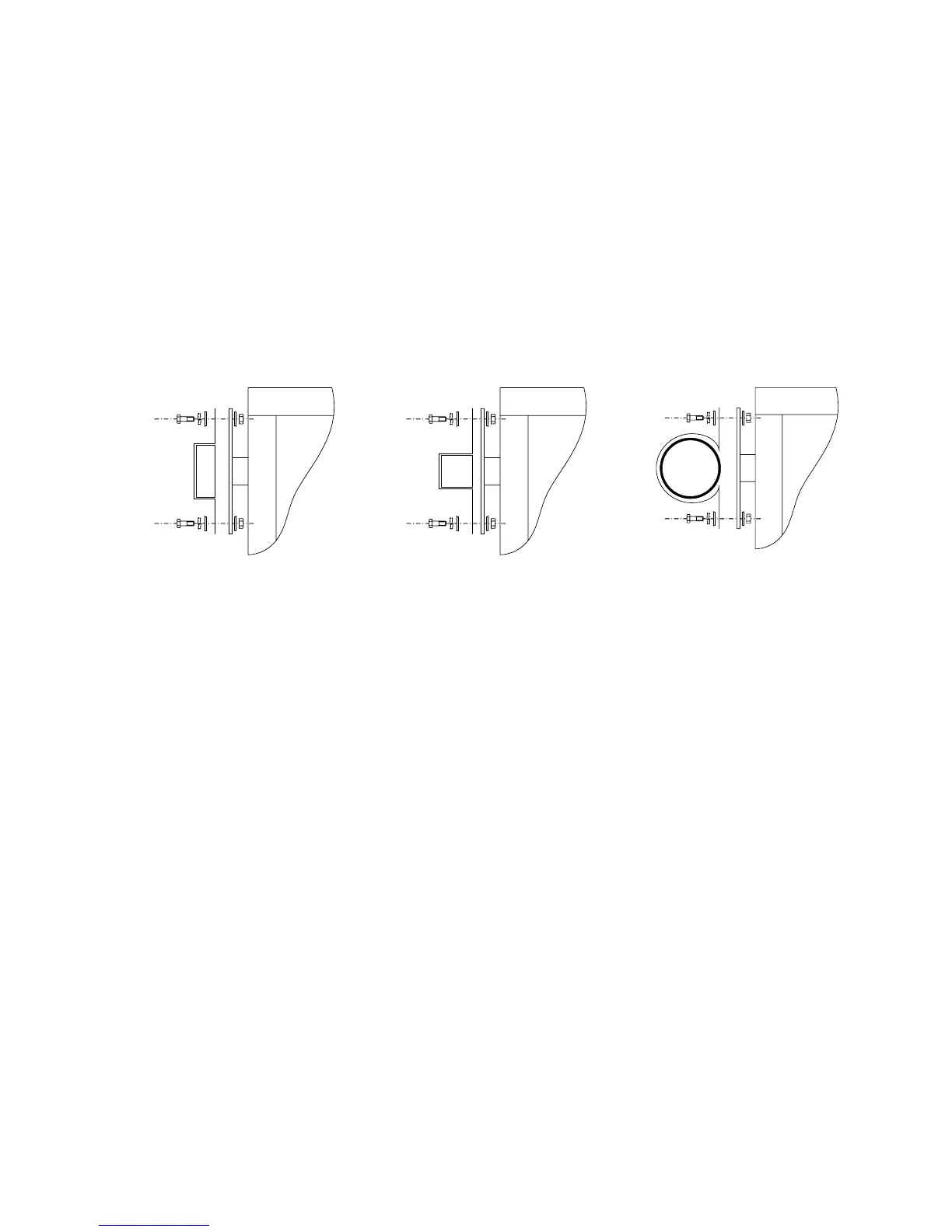
Follow these instructions to install the barrier arm onto the 1601 operator. The illustrations below
show the three different arms that can be installed on the 1601 operator; wood, plastic or aluminum.
If the operator is going to be equipped with a folding arm kit for low headroom applications (wood or
plastic arms only), follow the installation instructions that come with the folding arm kit.
1. Be sure that the shaft rotation has been checked as described in 4.1.1.
2. Install the arm-mounting bracket onto the arm hub using four (4) 3/8-16 x 1 1/2 hex head
bolts, 3/8 lock washers and nuts. Do not tighten the bolts at this time.
3. Slide the arm between the arm hub and arm bracket.
4. Tighten the four bolts.
Wood Plastic
luminum
Figure 25
37



 To Next Page