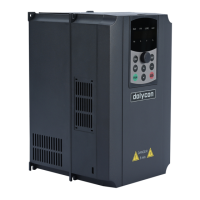
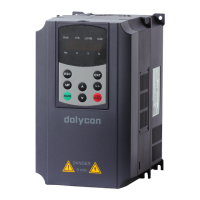
CT100 inverter Faults and solutions
143
7 Faults and solutions
7.1 Common faults and solutions
The inverter may have following faults during running. Please refer to the
following methods for simple fault analysis:
7.1.1 No display after power on
Check that the inverter input power is consistent with the rated voltage of the
inverter. If there is a problem with the power supply, please check and remove.
Check whether the three-phase rectifier bridge is intact. If the rectifier bridge is
damaged, please ask for service.
Check if the POWER LED is on. If the LED is off, the rectifier bridge or the buffer
resistor may be damaged. If the LED is on, the switching power supply may be
damaged. Please ask for service.
7.1.2 Automatic power off after power on:
Check whether there is grounded or short circuited among the input power
sources.
Check whether the rectifier bridge has been broken down, if damaged, ask for
service.
When the inverter runs, the power supply automatically trips; check the input
leakage protector.
Check whether there is a short circuit between the output modules. If yes, please
ask for service.
Check whether there is a short circuit or ground between the motor leads.
If the trip occasionally occurs and the distance between the motor and the
inverter is relatively far, consider adding the output AC reactor.
7.1.3 The motor does not rotate after the
inverter is running
Check whether there is a balanced three-phase output between U, V and W. If
yes, the motor cable or the motor is damaged, or the motor stalled due to
mechanical causes.
There may be three-phase output but unbalanced. The drive board or output


 To Next Page