CT100 inverter Detailed instructions of function parameters
92
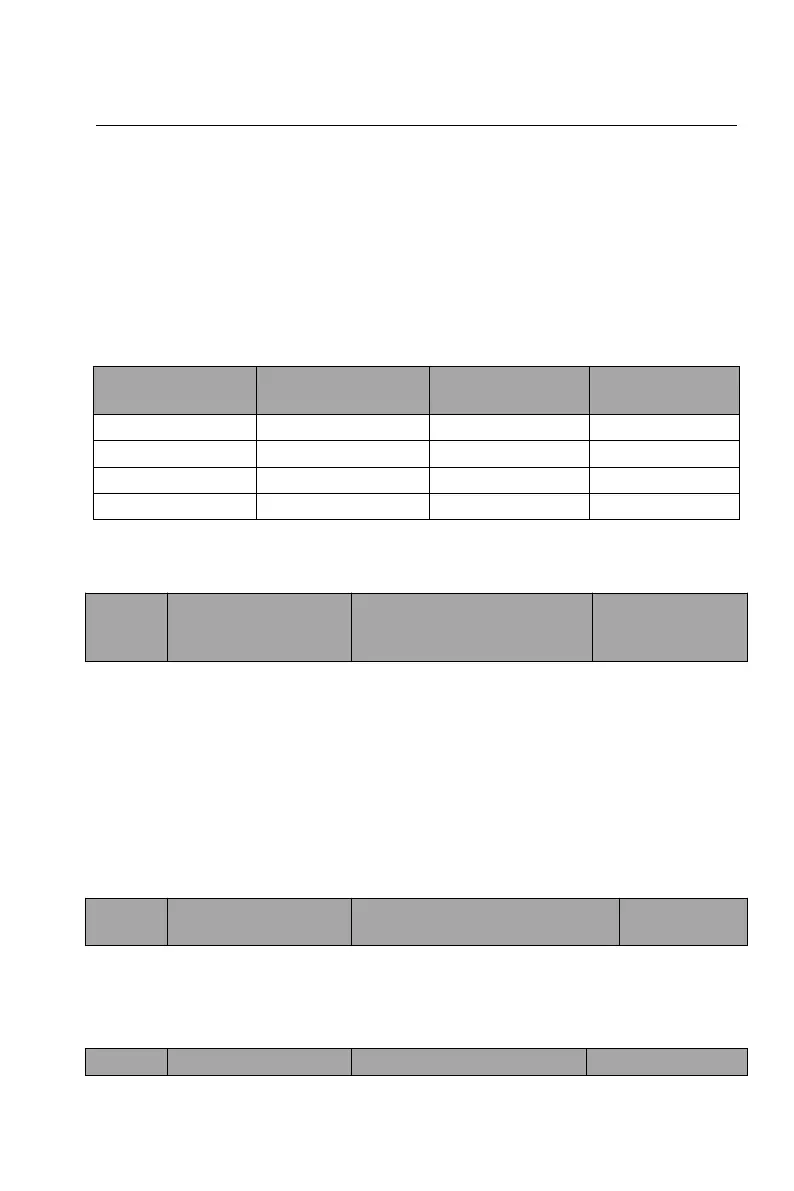
A total of 4 groups of ACC/DEC time selection:
Group 0: F00.14, F00.15
Group 1: F13.03, F13.04
Group 2: F13.05, F13.06
Group 3: F13.07, F13.08
The ACC/DEC time can be selected by the multi-function digital input terminal
(F06.01 ~ F06.08). Select the 4 groups of ACC/DEC time through the
combination of the two terminals.
6.2 Motor parameters (F01 group)
Default value:
Depend on
model
0: G type
1: P type
When the inverter is set to be P type, the inverter is amplified for use. But the
overload capacity is weakened, it can only be used for light load occasions such
as fans and water pumps, this time the inverter will be under light overload
protection. When the inverter is set to be G type, the inverter must match the
motor and the inverter will be under heavy overload protection.
Note: If you want to modify the parameter, the motor power and other parameters
should also be manually modified as needed.
0: asynchronous motor
1: reserved
The current inverter only supports asynchronous motors.


 To Next Page