CT100 series inverters Keypad operation procedure
48
On: The inverter is running.
Off: The inverter stopped.
Blinking: The inverter is in dormant state.
On: The inverter is in the reverse running state.
Off: The inverter is in the forward running state
or stopped.
Off: keypad run command reference mode
Blinking: terminal run command reference
mode
On: communication run command reference
mode
Off: no fault alarm
Blinking: overload pre-alarm
On: fault alarm
4.1.2 Code displaying zone
5-figure LED display can display the monitoring data such as the set frequency
and the output frequency and alarm codes.
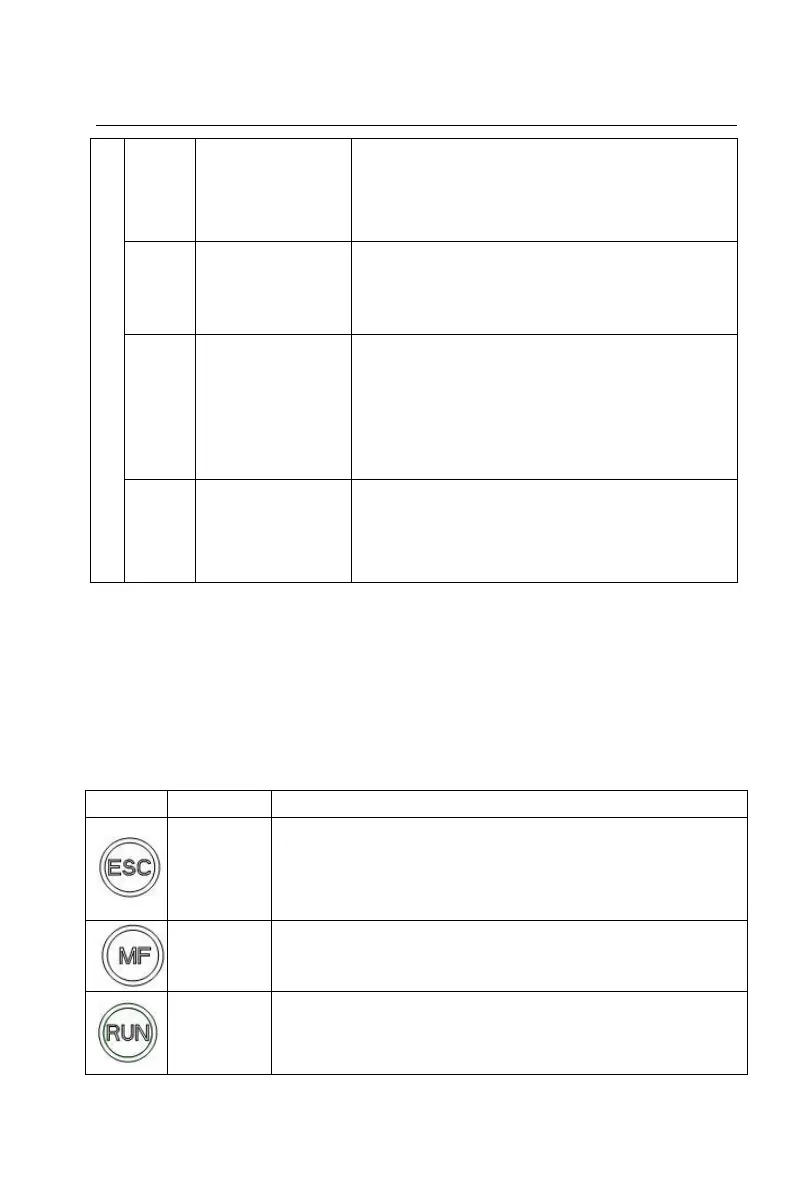
4.1.3 Buttons
Table 4-2 Functions of buttons
Enter or exit the 1st level menu;
Return to the 1st level menu from the 2nd level menu;
Return to the 2nd level menu from the 3rd level menu.
Operate according to multi-function selection [2]
In the keypad run command reference mode, the key is
used for start control of the inverter.
After setting the parameter self-identification, the key is


 To Next Page