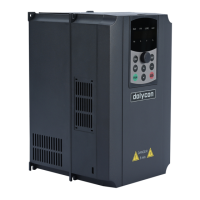
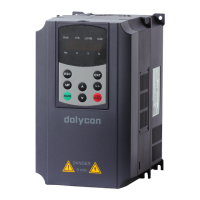
CT100 series inverters Keypad operation procedure
49
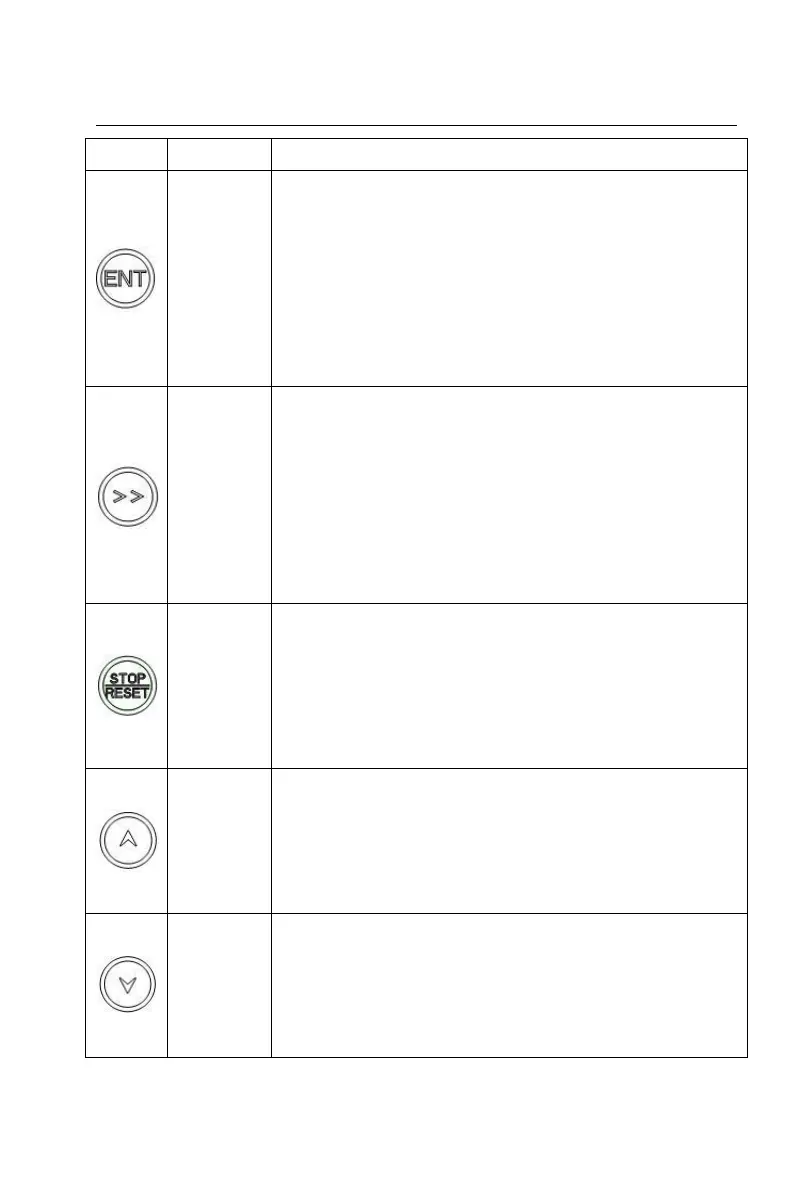
used to start the inverter for parameter self-identification.
After function group confirmation of the 1st level menu,
enter the 2nd level menu;
After function group confirmation of the 2nd level menu,
enter the 3rd level menu;
After function parameters setting confirmation of the 3rd
level menu, return to the 2nd level menu;
In password verification state, the password input is
completed.
Function group edit step[1] selection in the 1st/2nd level
menu;
Function parameters settings edit step selection in the
3rd level menu;
In stop parameter display status, running parameter
display status and fault display state, display parameters
selection;
Edit bit selection in password verification state.
In keypad run command reference mode, the key is used
for stop control of the inverter;
In other run command reference modes, the key is used
for stop protection of the inverter[3];
At fault or stop state, the key is used as a reset key to
clear the fault alarm information.
Increase function group in the 1st/2nd level menu
progressively;
Increase function parameters settings in the 3rd level
menu progressively;
Increase the set frequency progressively.
Decrease function group in the 1st/2nd level menu
progressively;
Decrease function parameters settings in the 3rd level
menu progressively;
Decrease the set frequency progressively.


 To Next Page