OPERATING PROCEDURES
EPT023558 Issue 1 February 2016 5-3
POWER ON/OFF
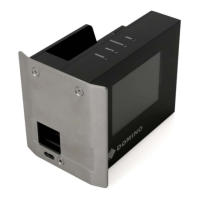
PCU
Located at the rear of the PCU, use the Power switch to turn the power ON/
OFF.
PRINTER - START / STOP / RE-START
The start signals can be made in different ways depending on how the
setup is made.
The setup can be changed from the front panel at the PCU, or in the setup
program at any time.
Start print
Start print can be done by:
• Product detector, or other start signal, to the print input on the ACC
board.
• Software.
• The print button on the front panel of the PCU.
• Home position sensor (“Auto print”).
I
O



 To Next Page
 Loading...