Operation Section
72
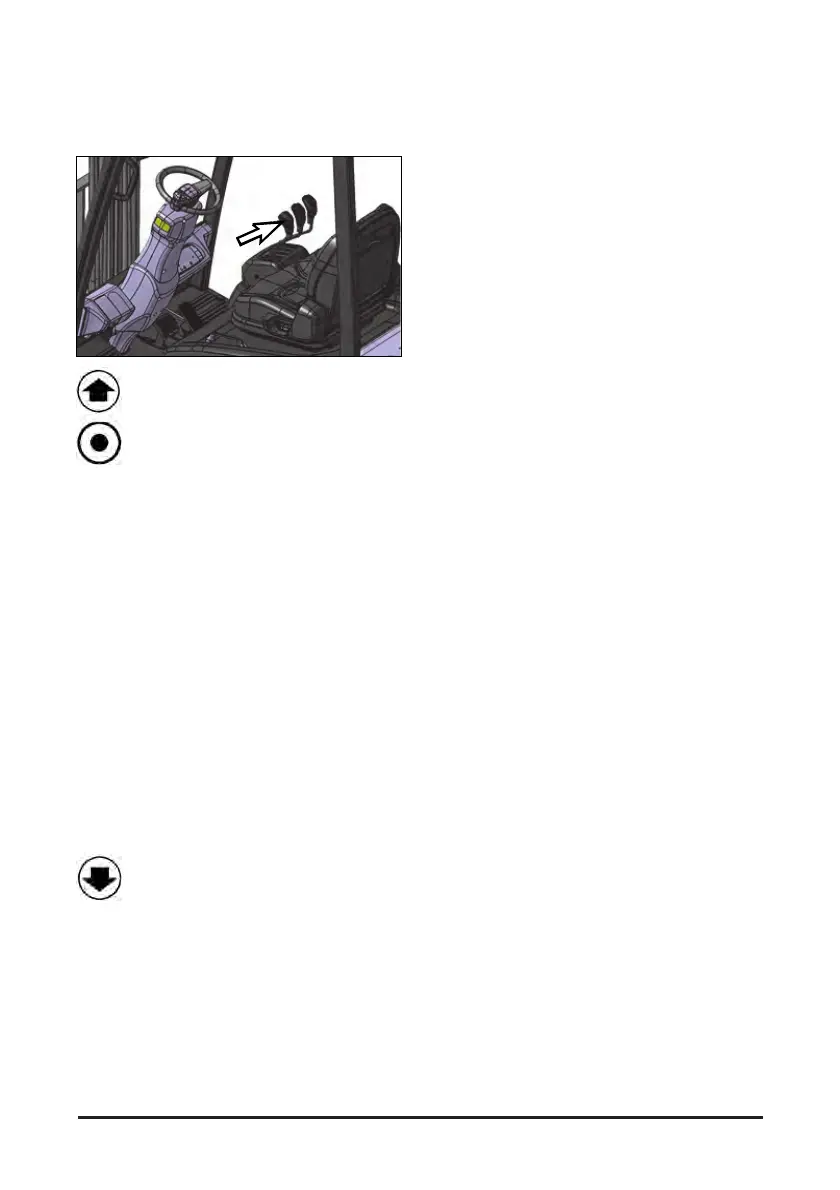
Directional control
forward/reverse switch
Forward (1) – Push the forward/reverse
switch forward to drive the truck forward.
Neutral (2) – If the forward/reverse switch
is at the neutral position, the truck does
not travel.
The forward/reverse switch must be at the neutral
position when the driver is off from the driver's seat
or the key switch is OFF. The lift truck does not
move until the accelerator pedal is released and the
directional control forward/reverse switch is
returned to neutral position. Forward/reverse switch
for direction change.
NOTE: Wait Mode of Operation - This condition will
go into effect when the following occurs.
The seat switch is closed, key switch is on
and the directional control forward/reverse
switch is left in NEUTRAL for more than five
seconds, with no operator input to any
control.
The line contactor will open and the power steering
motor will turn off to conserve energy. The lift truck
will remain in this mode until the operator moves
the directional control forward/reverse switch,
pushes on the accelerator pedal and/or moves any
control valve lever.
Reverse (3) - Pull the forward/reverse
switch to drive the truck reverse.
NOTE: The directional control forward/reverse
switch can be used for electrical braking
(plugging). To slow or stop the lift truck
when traveling in either direction, move the
directional control forward/reverse switch to
the opposite direction of travel while
keeping the accelerator depressed. The lift
truck will slow to a complete stop and then
accelerate in the opposite direction.
If the driver stands up from the driver's seat while
the lift truck is in operation, the seat switch will be
activated and the drive motor will be turned off after
3 s. In this case, release the accelerator pedal and
close the seat switch, return the forward/reverse
switch to neutral and then shift it to desired position.
Push down on the accelerator.


 To Next Page