30
ED900 02-202008125330
dormakaba ED900 Installation Instructions – Double egress door Chapter 12
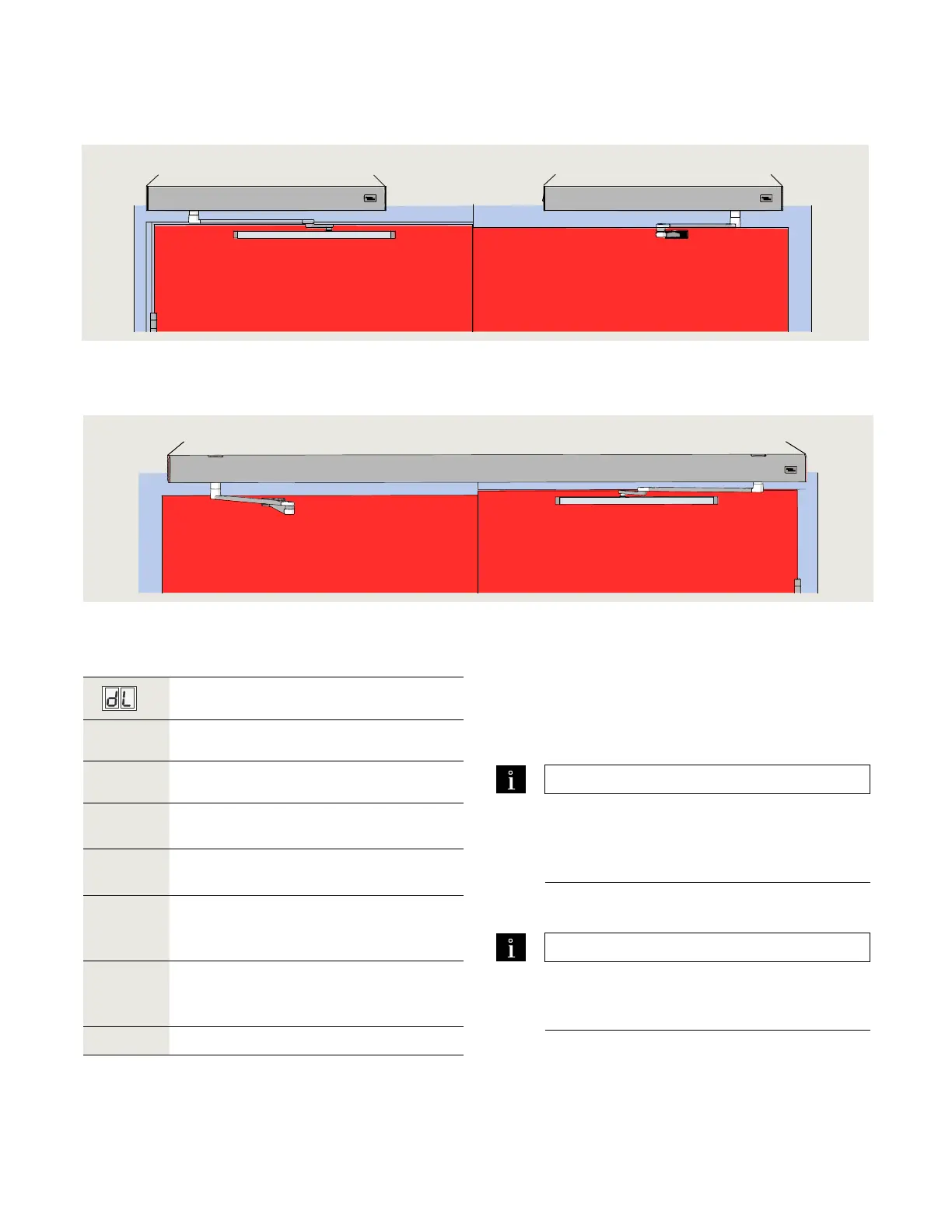
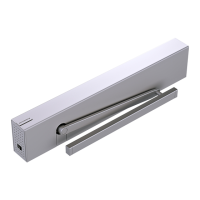
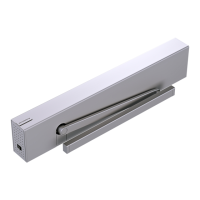
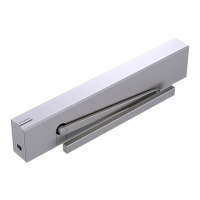
. ED operator installation with standard covers
.. ED active and inactive door assignments.
. Position ED operators on a flat surface
orientated as shown in Fig. ...
. Determine ED active and inactive door
assignments.
TIPS AND RECOMMENDATIONS
Active and inactive door assignments.
Fig. .. shows example of active and
inactive door assignments.
Door assignments may be reversed.
• Use dL door type parameter to assist in determining
ED active and inactive door assignments
TIPS AND RECOMMENDATIONS
dL door type parameter.
dL parameter is set during double door
commissioning – Reference Chapter .
Door type
Parameter
value
Parameter description
* Single door
Double door with astragal.
• Active door operator – door opens first.
Double door with astragal.
• Inactive door operator.
Double door, without astragal.
• Active door operator.
Both doors open simultaneously.
Double door, without astragal.
• Inactive door operator.
Both doors open simultaneously.
*
Factory setting
Table .. Door-type parameter dL.
. ED operators – assign active door and inactive door type
Fig. 12.2.1 ED900 standard cover installation for double door operation
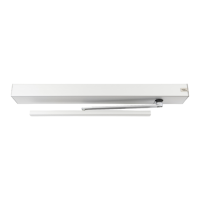
. ED operator installation with full width cover (option)
Fig. 12.3.1 ED900 full width cover installation for double door operation
Power switch
Inactive door
Program switches
Power switch
Active door
Program switches
Single program switch
Power switch
Active doorInactive door



 To Next Page