55
ED900 02-202008125330
dormakaba ED900 Installation Instructions – Double egress door Chapter 15
. Full width cover option – Install program switch, active door ED
TIPS AND RECOMMENDATIONS
Active/inactive door orientation.
May be reversed from Fig. ..
orientation.
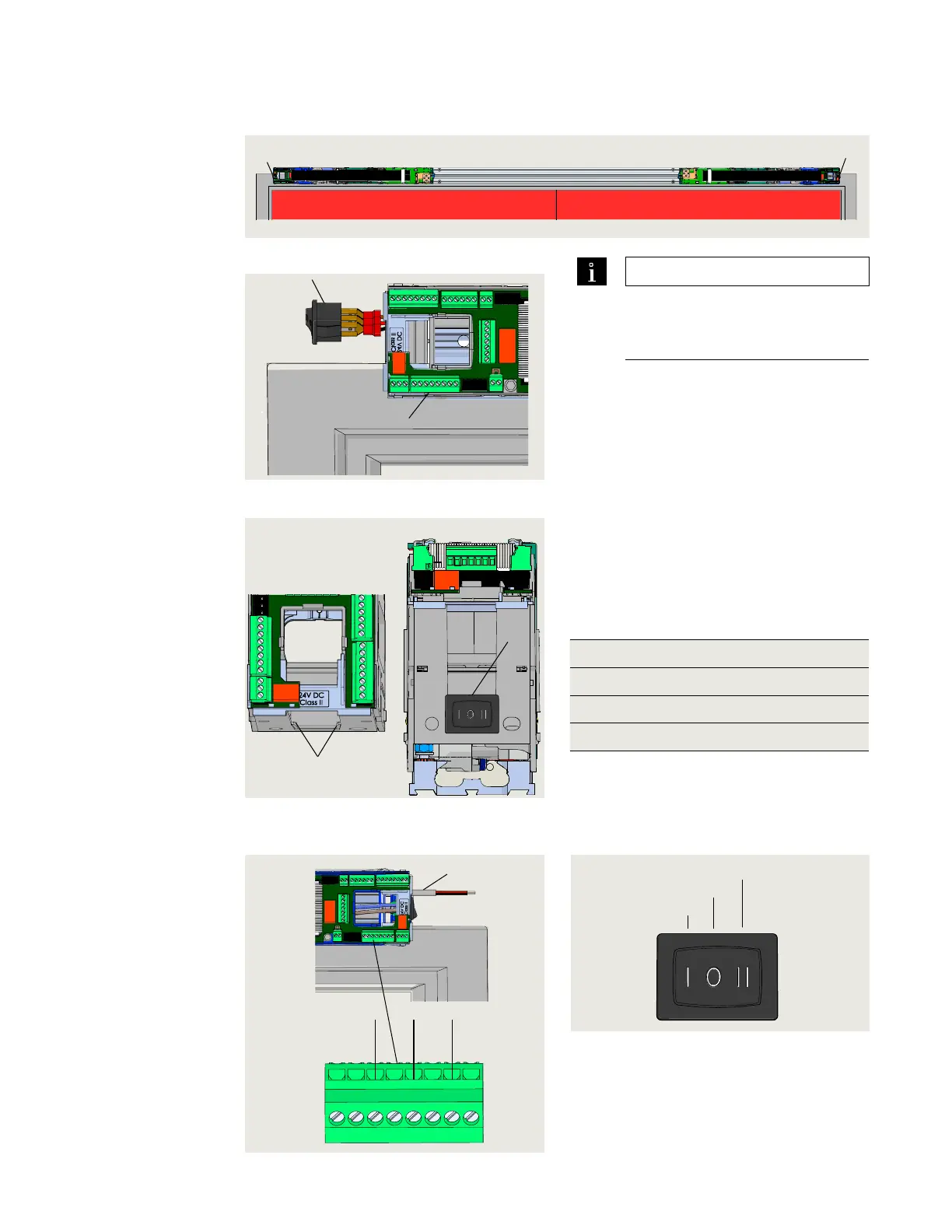
.. Install program switch.
. Route program switch and cable into
active door ED housing.
. Slide switch into slots in ED housing.
• Note orientation of switch in housing
(Fig. ..).
.. Connect program switch cable
wires to active door ED
operator.
. Connect program switch cable wires to
X terminal connector (Fig. ..)
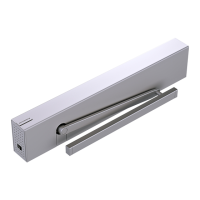
Fig. 15.8.2 Program switch and cable
7 Program switch and
cable
10 Program switch
terminals
6 Slots for switch
7 Program switch and
cable
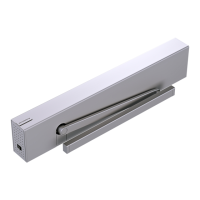
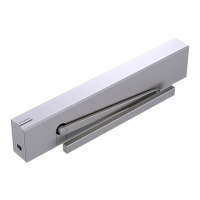
Fig. 15.8.3 Program switch installation
7
6
Fig. 15.8.4 Program switch cable
installation, active door ED900
7 Program switch
cable
Terminal Wire color Function
Brown Automatic
Black Permanent open
Red V
Fig. 15.8.5 Program switch functions
9
10
.. Program switch wiring.
Fig. 15.8.1 Program switch installation on active door
1 Single program
switch
2 Power switch
30
31
32
33
34 3
35
3
Brown
Black
Red
X1
7
Automatic
Close
Permanent open
1
2
Inactive door Active door



 To Next Page