75
ED900 02-202008125330
dormakaba ED900 Installation Instructions – Double egress door Chapter 23
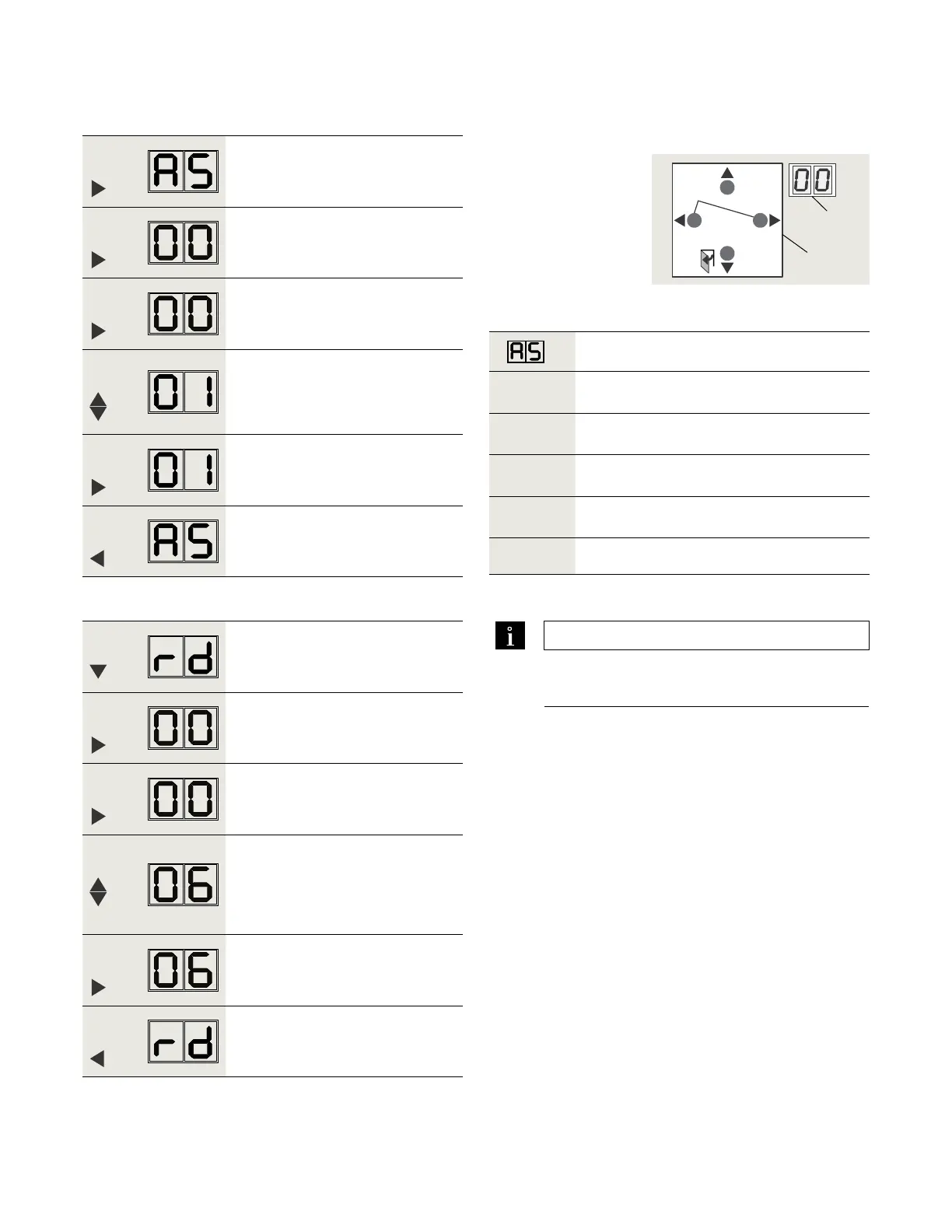
Step
Press
Press PRG greater than s to enter
program mode, AS parameter
displayed.
If no change required, go to step .
Step
Press
Displays "" , factory setting.
Step
Press
"" starts flashing.
Step
Press
Scroll to select parameter value.
"" shown as example.
Step
Press
Saves value entered. Display stops
flashing.
Step
Press
Returns to Installation type parameter.
.. Set parameter AS, installation type.
Installation type
Parameter
value
Parameter description
*
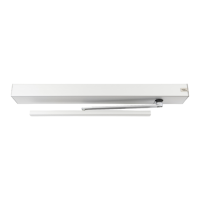
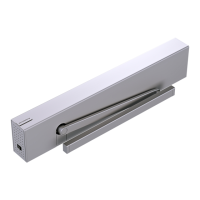
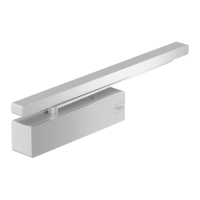
Pull arm with track, wall mounting on swing
(hinge) side.
Push arm, wall mounting on approach (opposite
hinge) side.
Push arm with track, wall mounting on approach
(opposite hinge) side.[Application specific]
*
Factory setting
. Set configuration parameters
Fig. 23.2.1 4 button keypad,
2 digit display
3 Four button
keypad
4 Two digit display
Step
Press
Scroll to rd parameter.
Step
Press
Displays "" , factory setting.
Step
Press
"" starts flashing.
Step
Press
Scroll to select parameter value.
"" shown as example.
Step
Press
Saves value entered.
Display stops flashing.
Step
Press
Returns to reveal depth parameter.
.. Set parameter rd, reveal depth.
Configuration parameter settings continue on next
page.
TIPS AND RECOMMENDATIONS
Reference Chapter for reveal depth
parameter values.
4
3
> 3s Reset
< 3s Quit
> 3s
PRG
< 3s
LEARN
Fact-Setup
> 3s
> 8s



 To Next Page