112 Instructions for use Isolette 8000 plus SW 5.n
Alarms
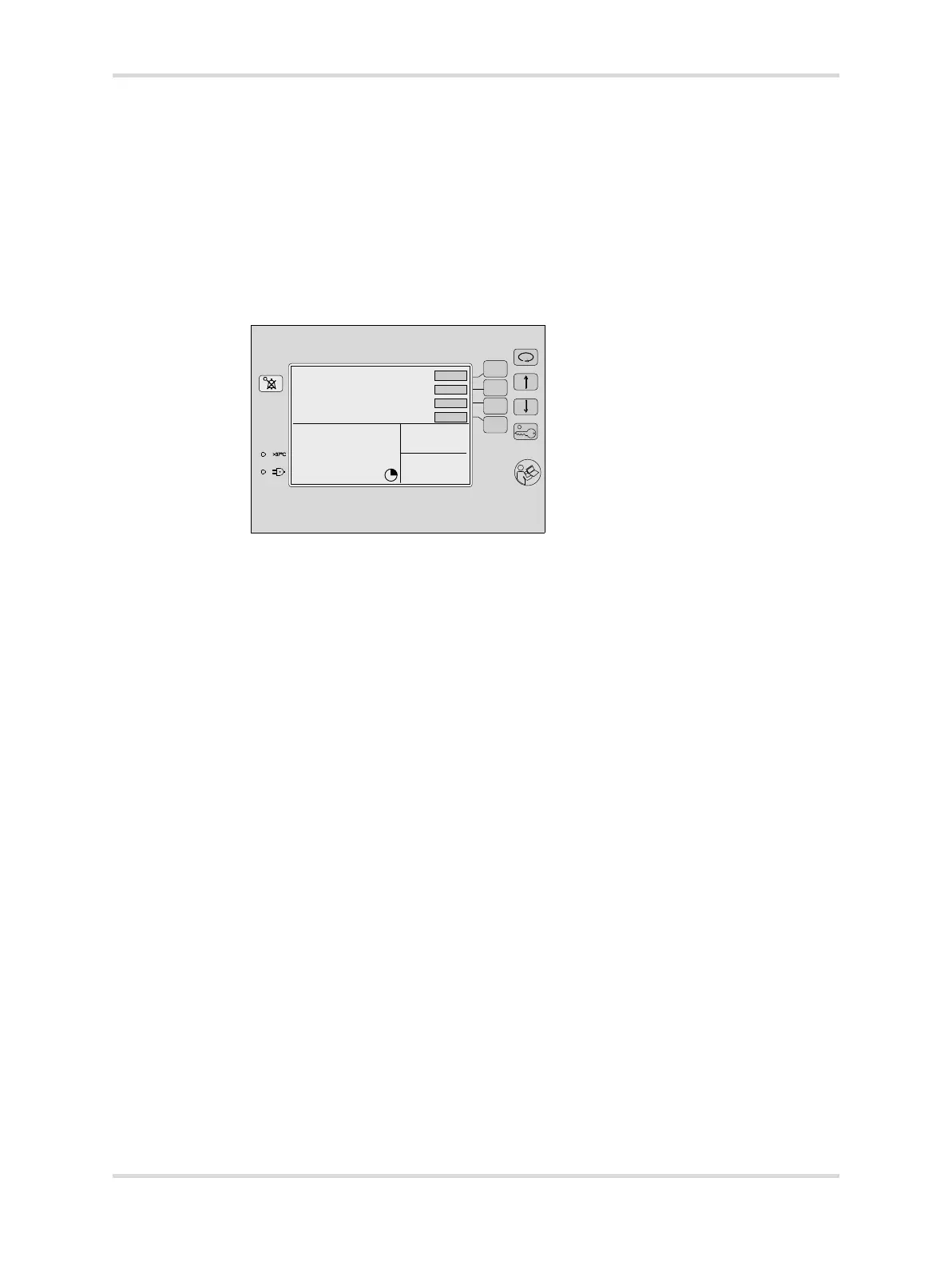
9.3.2 To disable acoustic alarm signals:
When alarms are active, press the Audio Paused/Reset key. A symbol (C) is
displayed on the screen to indicate the time remaining in the silence period.
If there is a new alarm during the silence period, the device reacts as follows:
– Acoustic alarm signal sounds.
– The new alarm message is displayed.
– The LED on the Audio Paused/Reset key (B) illuminates (depends on
priority of the alarm).
093














 To Next Page