Instructions for use Isolette 8000 plus SW 5.n 85
Operation
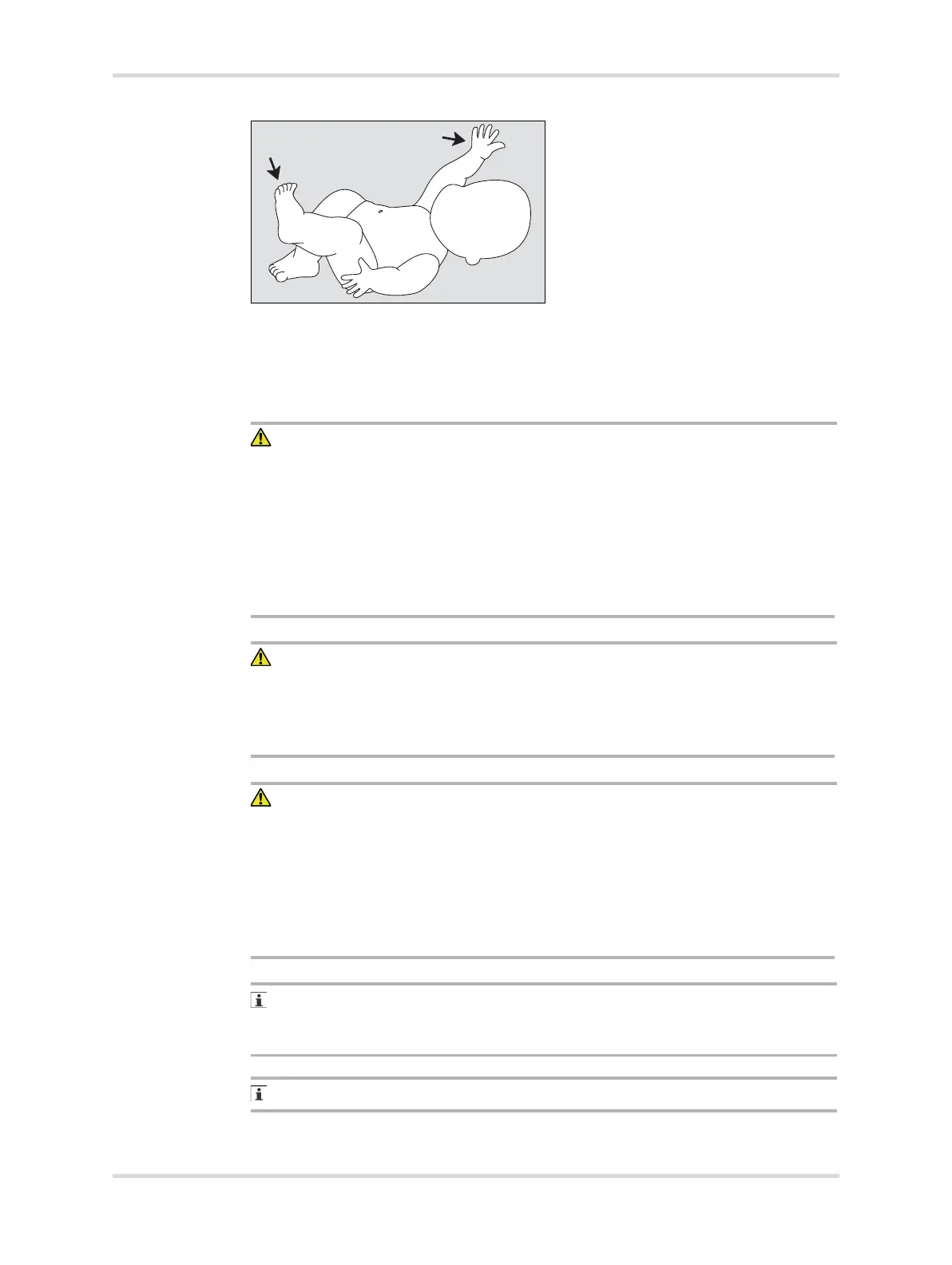
5 Check the condition of the infant at least every 15 minutes for correct sensor
attachment, and feel the skin of the infant for signs of overheating.
8.2 Setting the humidity (option)
WARNING
Risk of death or serious injury
Higher relative humidity will, at any given time, decrease evaporative water loss
and may cause an increase in infant temperature. This effect is greatest in
premature babies of very low birth-weight.
► The attending physician should prescribe the temperature control mode,
temperature setting, and humidity setting.
► Routinely monitor the patient temperature according to the attending physician
orders or Nursery Standing Orders.
WARNING
Risk of death or serious injury
The evaporator can be sufficiently hot to cause burns.
► Avoid removing or touching the evaporator until the water reservoir has been
disconnected from the incubator for at least 45 minutes.
CAUTION
Risk of injury or damage to the device
Failure to comply can cause injury to the patient or damage to the device.
► If humidity has been in use but is no longer required, empty and dry the reservoir
to avoid bacterial contamination. Then reinstall the reservoir assembly in the
incubator shell.
► Liquid in the collection bottle can contain patient fluids. Collection bottles and
fluids should be handled according to hospital guidelines.
Under certain environmental conditions, condensate may appear on the inner
double walls of the hood. Condensate formation can be minimized or eliminated
by lowering the relative humidity setting.
Check the water level in the water reservoir twice per day.
094














 To Next Page