40 Instructions for use Isolette 8000 plus SW 5.n
Operating concept
5.2 Screen
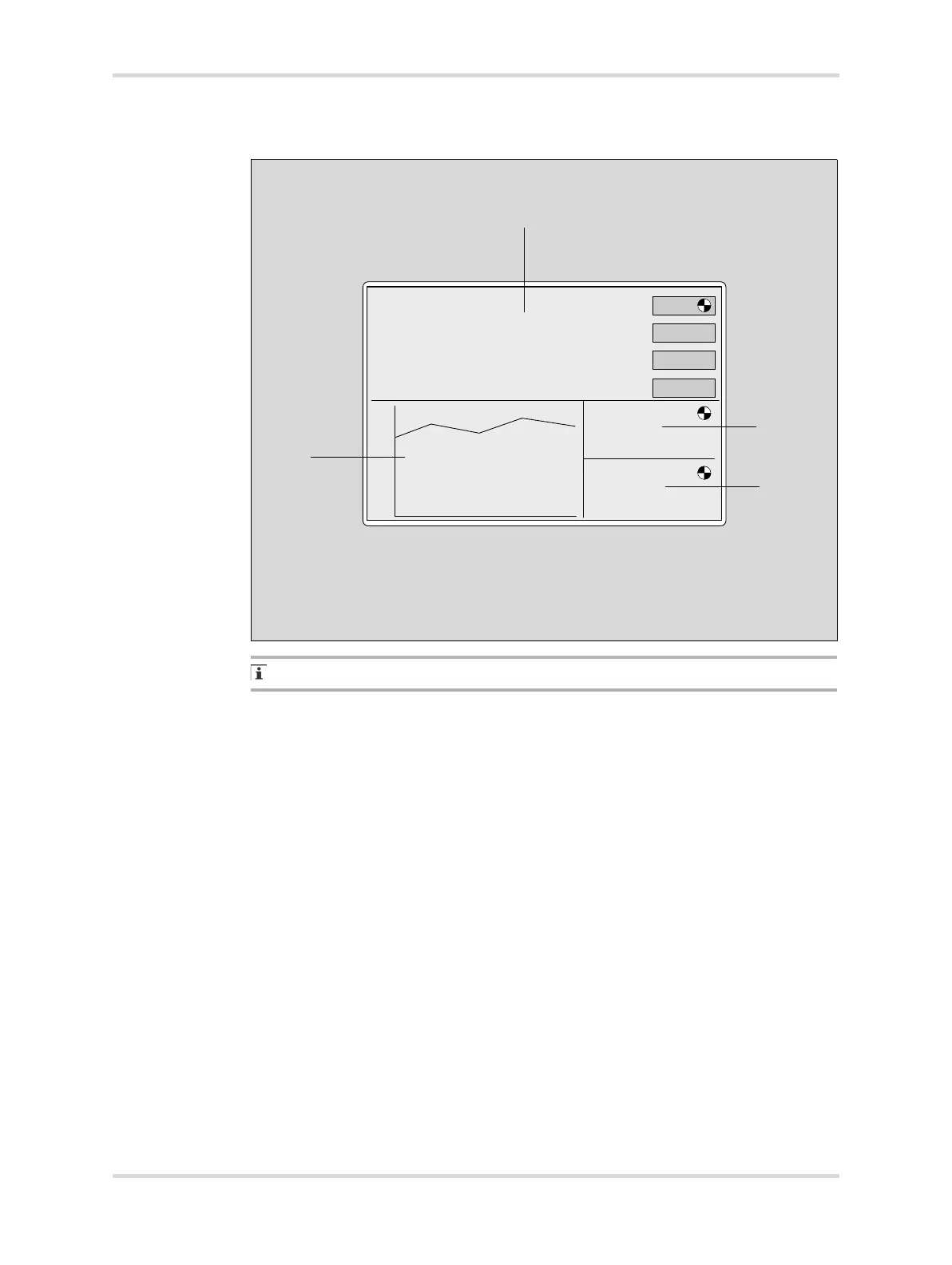
The actual screen display may differ in appearance or configuration.
The basic Isolette 8000 plus screen can be toggled between display 1 and display
2. The displays differ in the selection of buttons available in the Temperature
window. Both displays are divided into the following 4 windows:
022
A Temperature window - The temperature window displays the actual air
and/or skin temperature and the set point of the controlling parameter. It can
also display the difference between the central and peripheral skin tempera-
tures if that feature is switched on in the system configuration menu.
B Humidity window (optional) - When the humidity mode is activated, the
actual and set point humidity values are displayed. A rotating wheel is dis-
played in the upper right-hand corner of the humidity window.
For systems not configured with humidity, the message Not Installed is dis-
played for a few seconds, and then the humidity window remains blank.
C Oxygen window (optional) - When the oxygen mode is activated, the actual
and set point oxygen values are displayed. A rotating wheel is displayed in
the upper right-hand corner of the oxygen window.
For systems configured without servo oxygen, the message Not Installed is
displayed for a few seconds, and then the oxygen window remains blank.
40
35
30
25
20














 To Next Page