Instructions for use Isolette 8000 plus SW 5.n 39
Operating concept
5 Operating concept
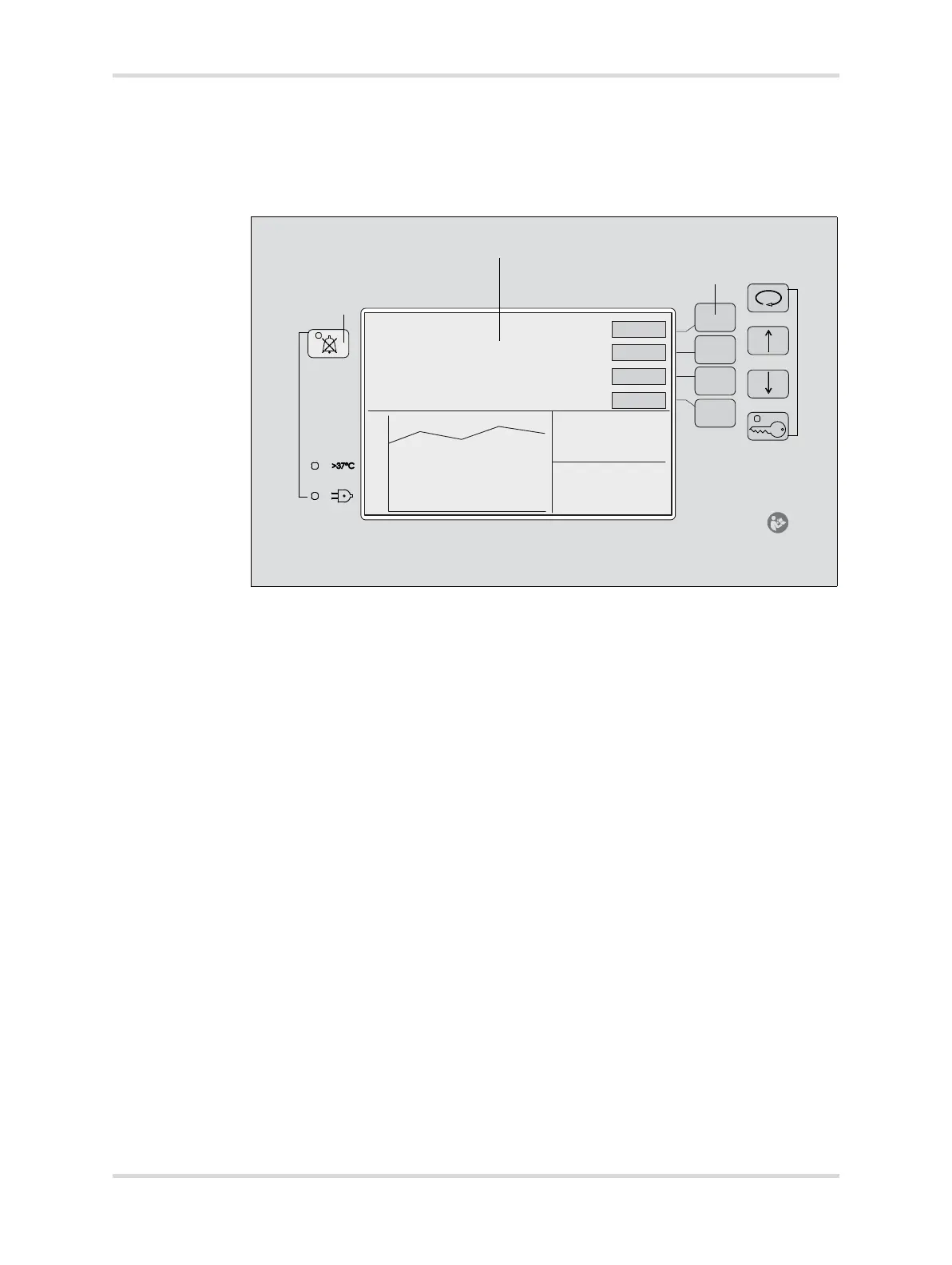
5.1 Front panel of controller
The front panel of the Isolette 8000 plus controller is on the front of the incubator
shell assembly. It consists of the following elements:
021
A A screen displaying all patient and system information in numeric and
graphic form
B Variable-function keys (referred to as “buttons” in this manual)
C Fixed-function keys (referred to as “keys” in this manual)
D LED indicators
40
35
30
25
20














 To Next Page