Instructions for use Isolette 8000 plus SW 5.n 57
Assembly and preparation
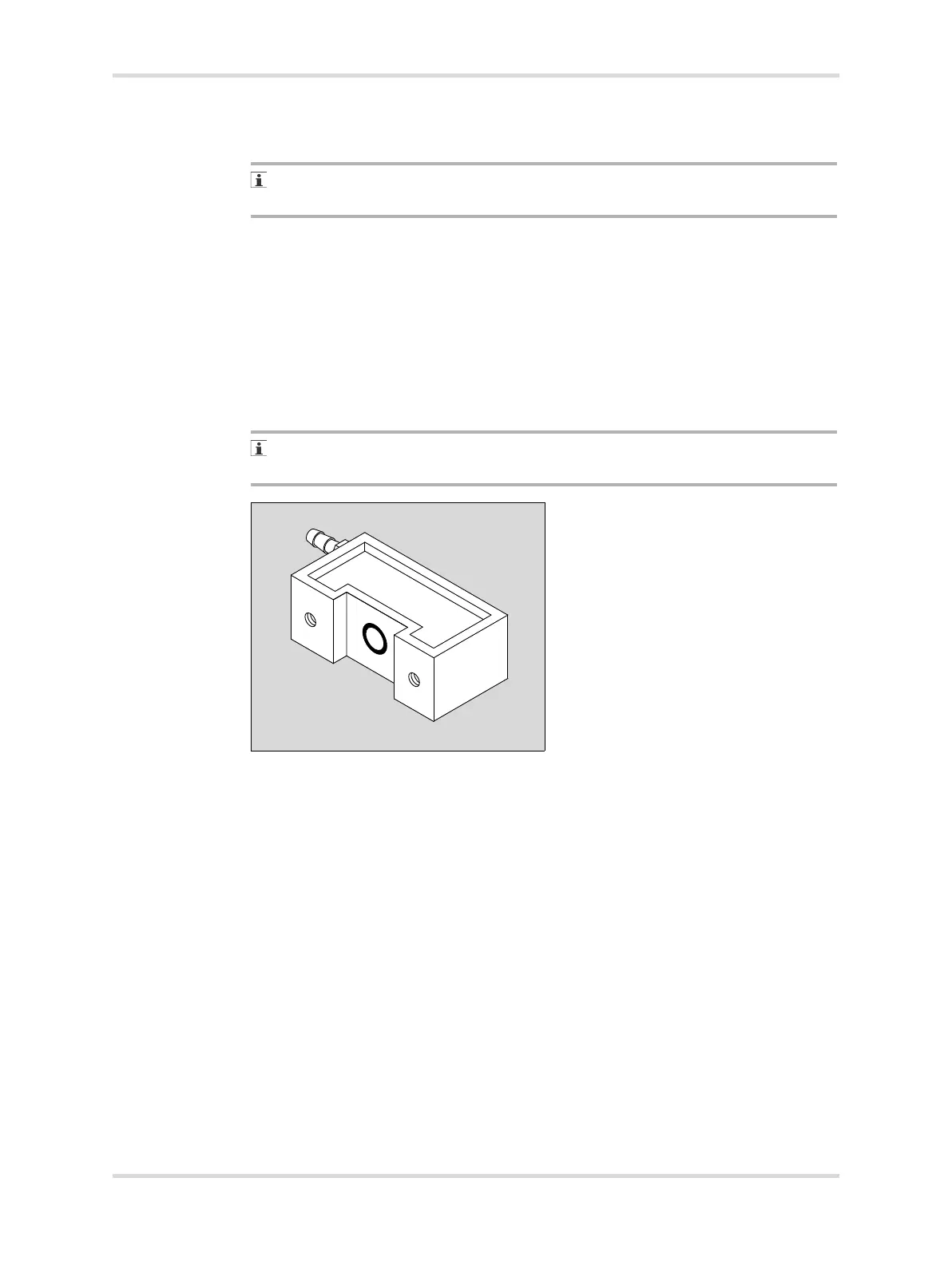
6.7 Installing the 100% oxygen calibration fixture (optional)
Do not install when the incubator is configured for 21% oxygen calibration (see
System configuration menu on page 113).
1 Pull down the lock on the sensor module, and slide the module out from the
hood until it stops.
2 Pull out the clip on the left side of the module, and remove the module from the
hood.
3 Rotate the locking knobs, and open the front access panel of the incubator.
4 Remove and retain the 2 mounting screws securing the cover plate slide fixture.
5 Remove the cover plate slide fixture. Also remove the sensor module slide lock.
6 Ensure the proper positioning of the O-ring (A) on the 100% calibration fixture.
The 100% calibration fixture is packaged with a small O-ring, which is coated
with a lubricant. The O-ring could possibly become loose during shipping.
008














 To Next Page