114 Instructions for use Isolette 8000 plus SW 5.n
Configuration
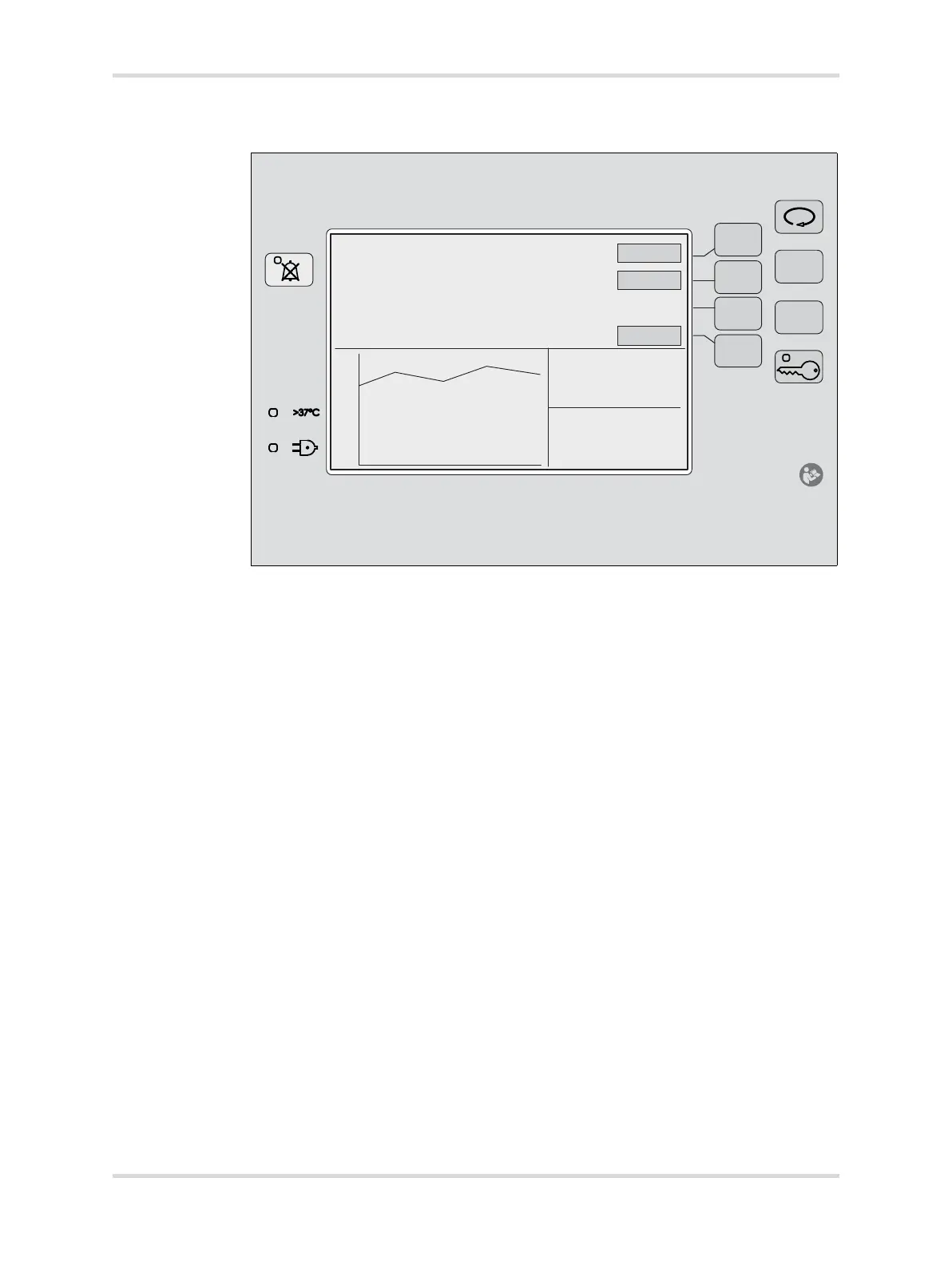
10.1.2 To select desired settings in the system configuration menu:
1 Switch off the incubator using the on/off switch located under the incubator
shell assembly.
2 Press and hold the Audio Paused/Reset key (A).
3 Switch on the incubator and continue to hold the Audio Paused/Reset key
while the device powers up.
The system configuration menu appears.
4 Select the menu items using the Display Selection key (B).
5 Select the desired settings using the Up Arrow (C) and Down Arrow (D) keys.
To set all configuration options to factory default settings, press the
Hard Default button (E).
To display a system information screen, press the Diag Info button (F).
To access more configuration menu items, press the Page 2 button (G).
Press the Audio Paused/Reset key (A).
✓ System exits the system configuration menu.
057
40
35
30
25
20



 To Next Page