Instructions for use Isolette 8000 plus SW 5.n 155
Service
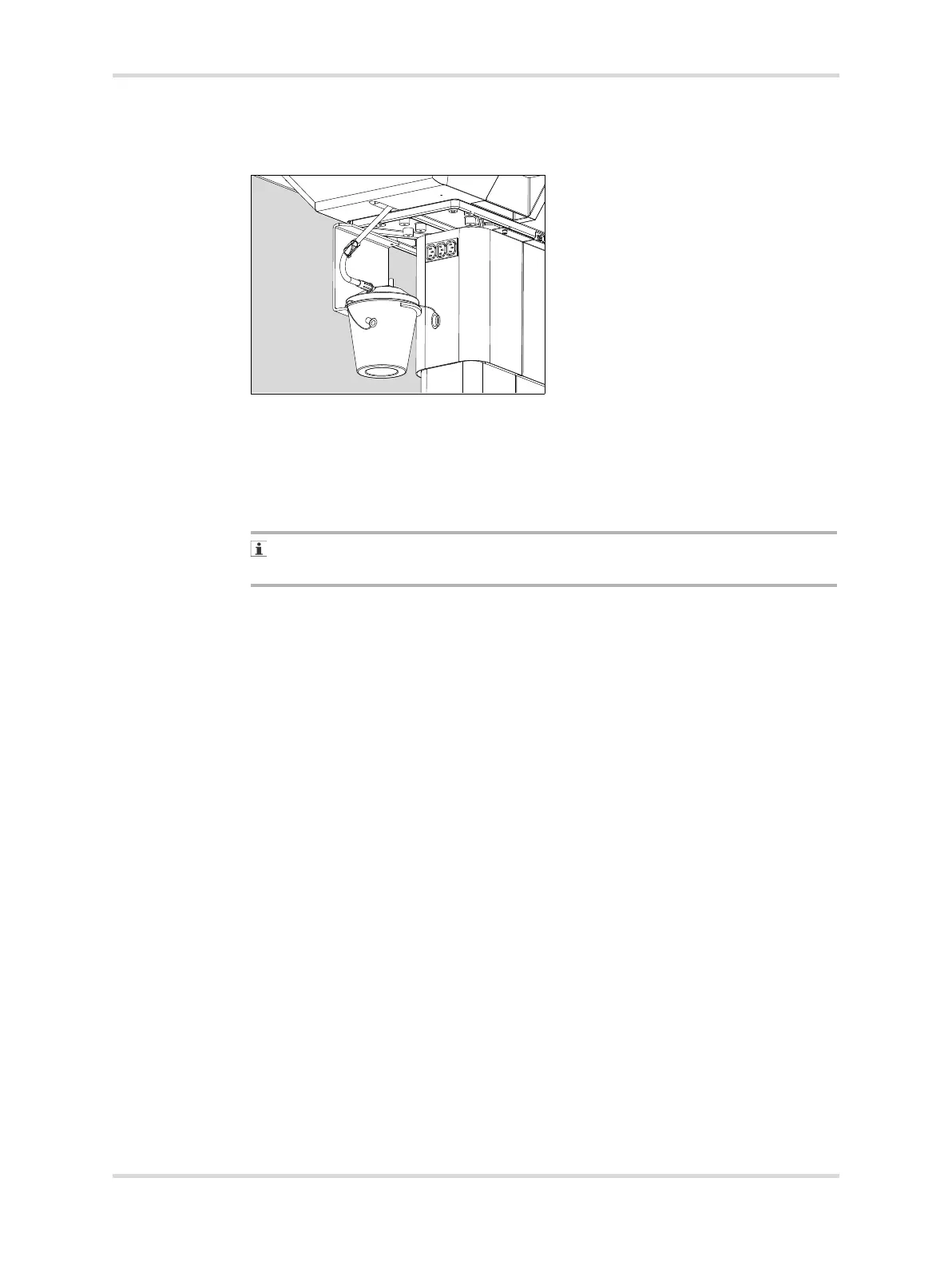
To replace the bottle if it becomes full during operation:
1 Clamp the condensation management hose using the attached clamp (A).
2 Disconnect the hose from the collection bottle (B).
3 Discard the bottle.
4 Slide the new collection bottle onto the bracket (C) located underneath the left
side of the incubator.
5 Remove the caps from the ports on the collection bottle.
The large port on top of the collection bottle must remain uncapped during
operation to ensure that water drains properly into the bottle.
6 Connect the condensation management hose to the patient port (D) on the side
of the collection bottle.
7 Unclamp the hose.
13.5.1.5 O
2 solenoid replacement
1 Remove oxygen servo assembly.
2 Remove O
2 solenoid.
3 Replace O
2 solenoid.
4 Install the oxygen servo assembly.
5 Perform the Functional check procedure on page 63.
13.5.1.6 O
2 pressure reducer replacement
1 Remove oxygen servo assembly.
2 Remove O
2 pressure reducer.
3 Replace O
2 pressure reducer.
4 Set to 40 psi.
5 Install the oxygen servo assembly.
6 Perform the Functional check procedure on page 63.
070














 To Next Page