36 Instructions for use Isolette 8000 plus SW 5.n
Overview
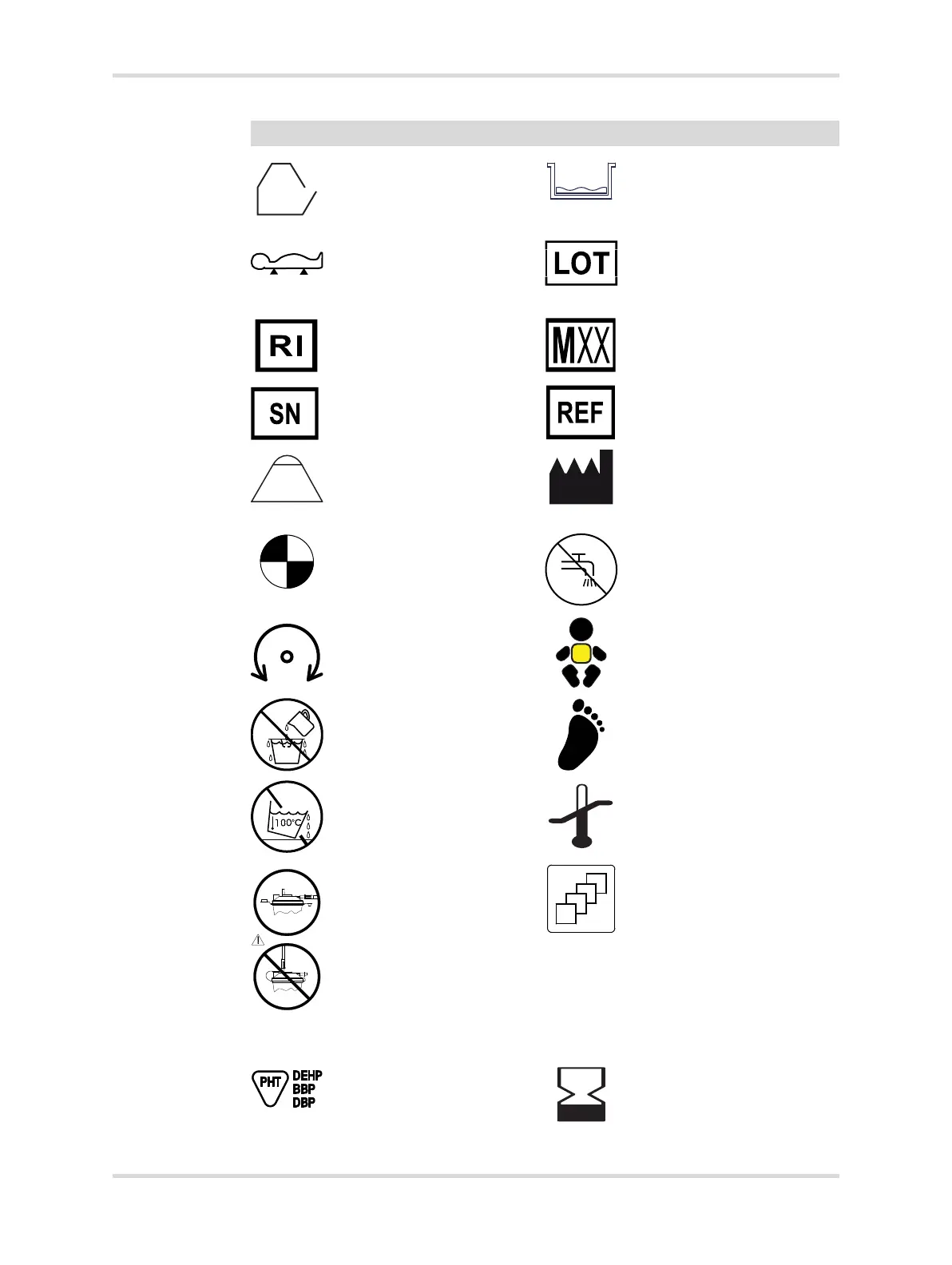
Access panel open indica-
tor (displayed on screen)
Minimum level indicator
Lift Baby prompt to lift the
infant from the bed (dis-
played on screen during
the zeroing routine)
Lot number
Revision index Scale conformity mark
Serial number Part number
Prompt to place a 5-kg
weight on the bed (dis-
played on screen during
the calibration routine)
Manufacturer ISO 15223-1
(5.1.3)
Indicates the active status
of a mode of operation (dis-
played on the screen in the
respective windows)
Do not use tap water
Rotation control Central skin temperature
probe connector
Do not overfill Peripheral skin tempera-
ture probe connector
Do not spill Storage temperature limits
Correct connection of con-
densation management
hose on the collection bot-
tle
Incorrect connection of
condensation manage-
ment hose on the collection
bottle
Quantity
Phthalate present Use by
Symbol Meaning Symbol Meaning














 To Next Page