Instructions for use Isolette 8000 plus SW 5.n 43
Operating concept
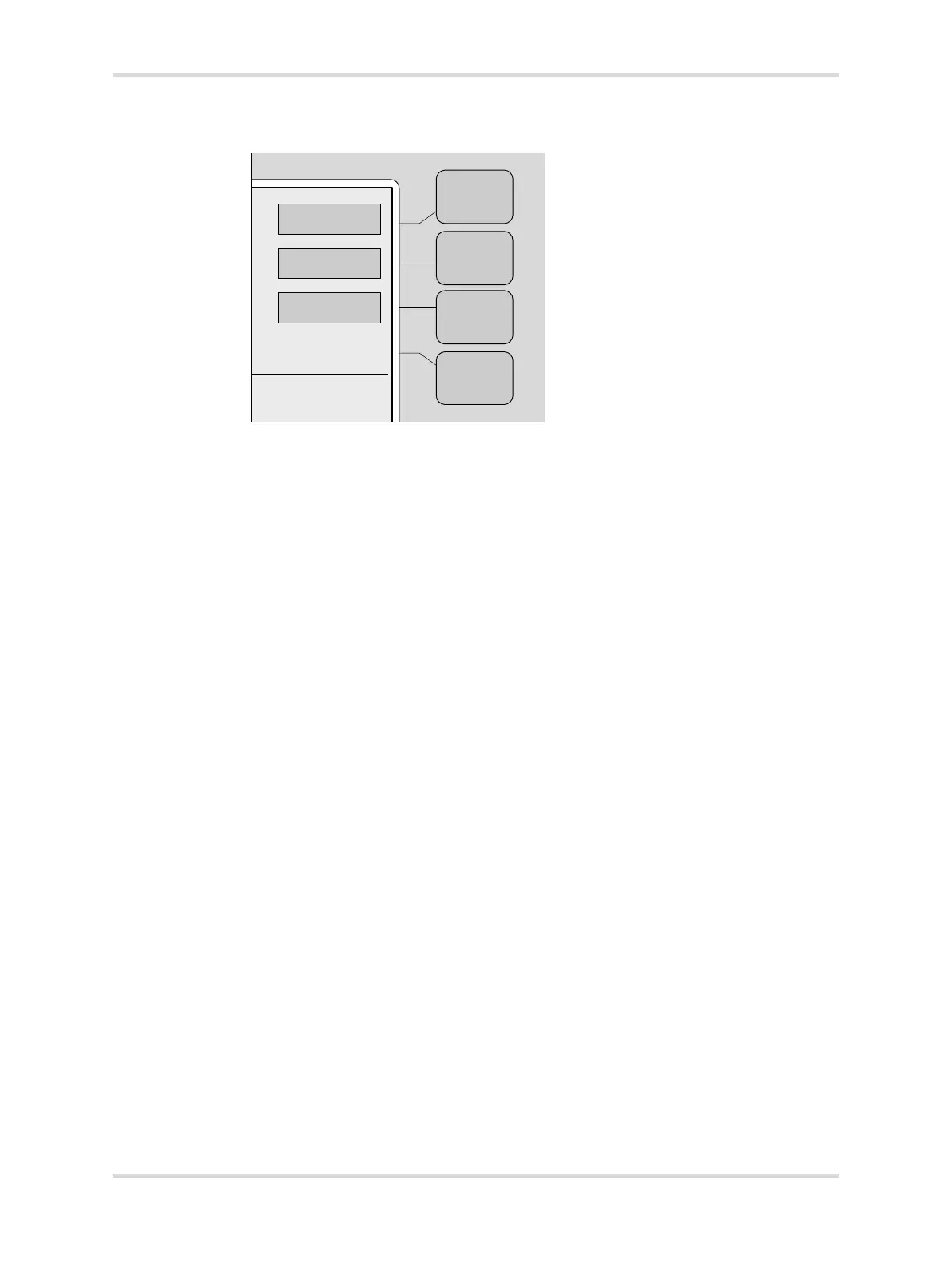
5.4.2 Display 2 buttons
5.4.3 More buttons
058
A Trend–selects the Trend display
B Weight–selects the Weight display and activates the weighing function
C Kangaroo–selects the kangaroo display and activates kangaroo mode
D Setup–selects the Setup display and allows review and modification of alarm
limits, temperature limits, and skin temperature differences
Home Enables the user to return to the previous display
On Available at the oxygen displays. When pressed, this button activates
the oxygen systems
Off Available at the oxygen and humidity displays. When pressed, this
button deactivates the oxygen or Humidification systems
Cal Available at the oxygen display and the Weight display (standard
scale only). When pressed, this button initiates the calibration function
for the oxygen sensor or scale.
Hours Available at the Trend display. When pressed, it enables the user to
select either 2, 4, 8, 12, or 24-hour trends for display in the
Trend/Alarm window.
Clear Available at the Trend display. When pressed, it clears all the trend
data stored in the Trend/Alarm window.
Display Available at the Trend display. When pressed, it selects one of follow-
ing trends to display in the Trend/Alarm window: Air, skin, oxygen %,
humidity %, heater power %, or weight gain.
Store Available at the Weight display. When pressed, it stores the infant
weight for trending in the Trend/Alarm window.
>37°C Activates the temperature override mode (greater than 37.0 °C
(98.6 °F)).
->0/T<- Available at the Weight display. When pressed, it provides zero setting
and tare balancing.














 To Next Page