Instructions for use Isolette 8000 plus SW 5.n 55
Assembly and preparation
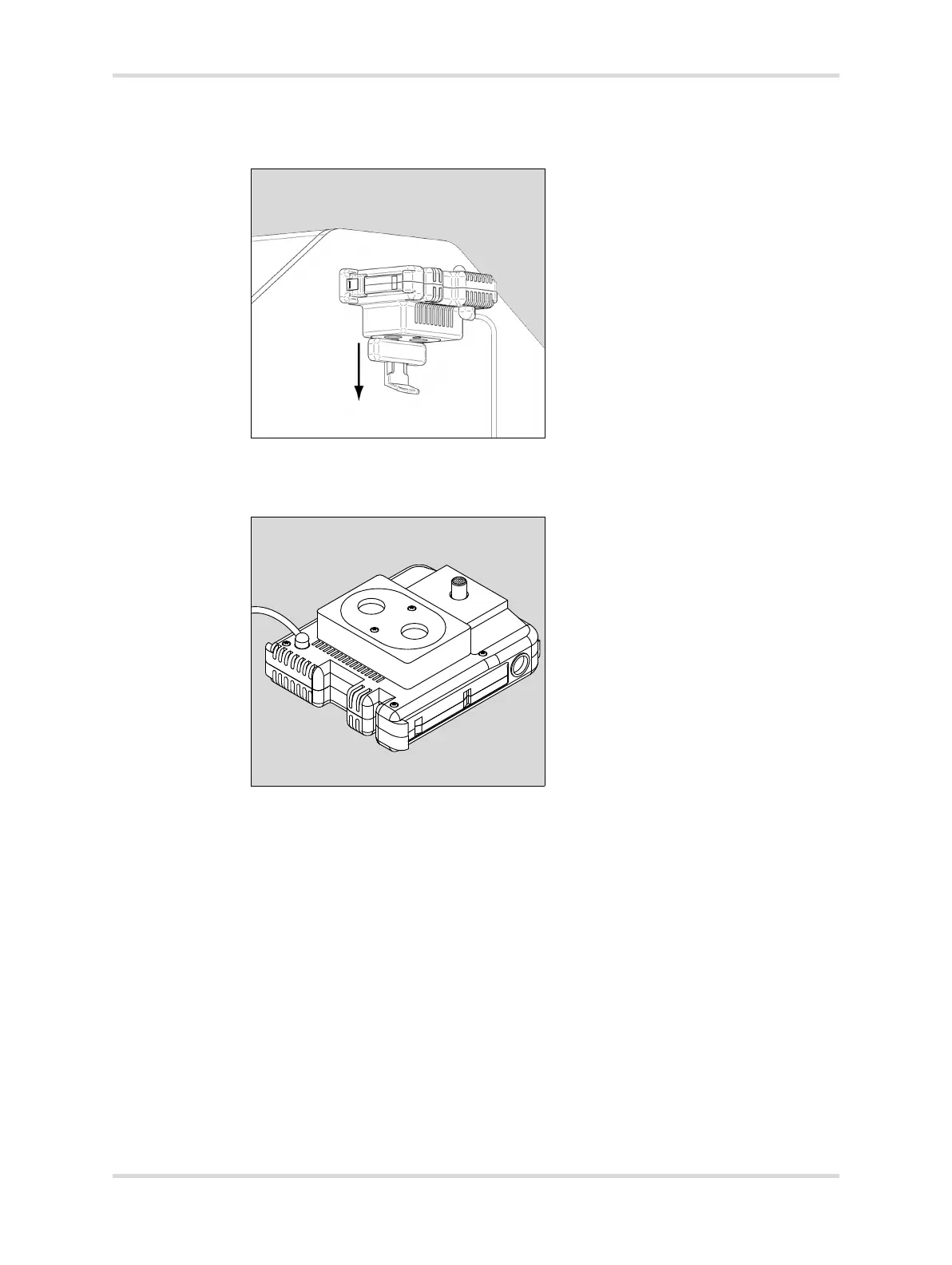
6 Pull out the clip (C) on the left side of the sensor module and remove the module
from the hood completely.
7 Install the oxygen sensors on the underside of the sensor module:
1 Remove O2 sensor cover from the sensor module.
2 Remove and retain the 2 screws securing the oxygen sensor cover (D).
8 Screw each new sensor (E) into the sensor plate (F), and connect the cables
(G). Either cable may be attached to either sensor.
9 Reinstall the plate with sensors into the sensor module, and reinstall the screws.
006019














 To Next Page