Instructions for use Isolette 8000 plus SW 5.n 93
Operation
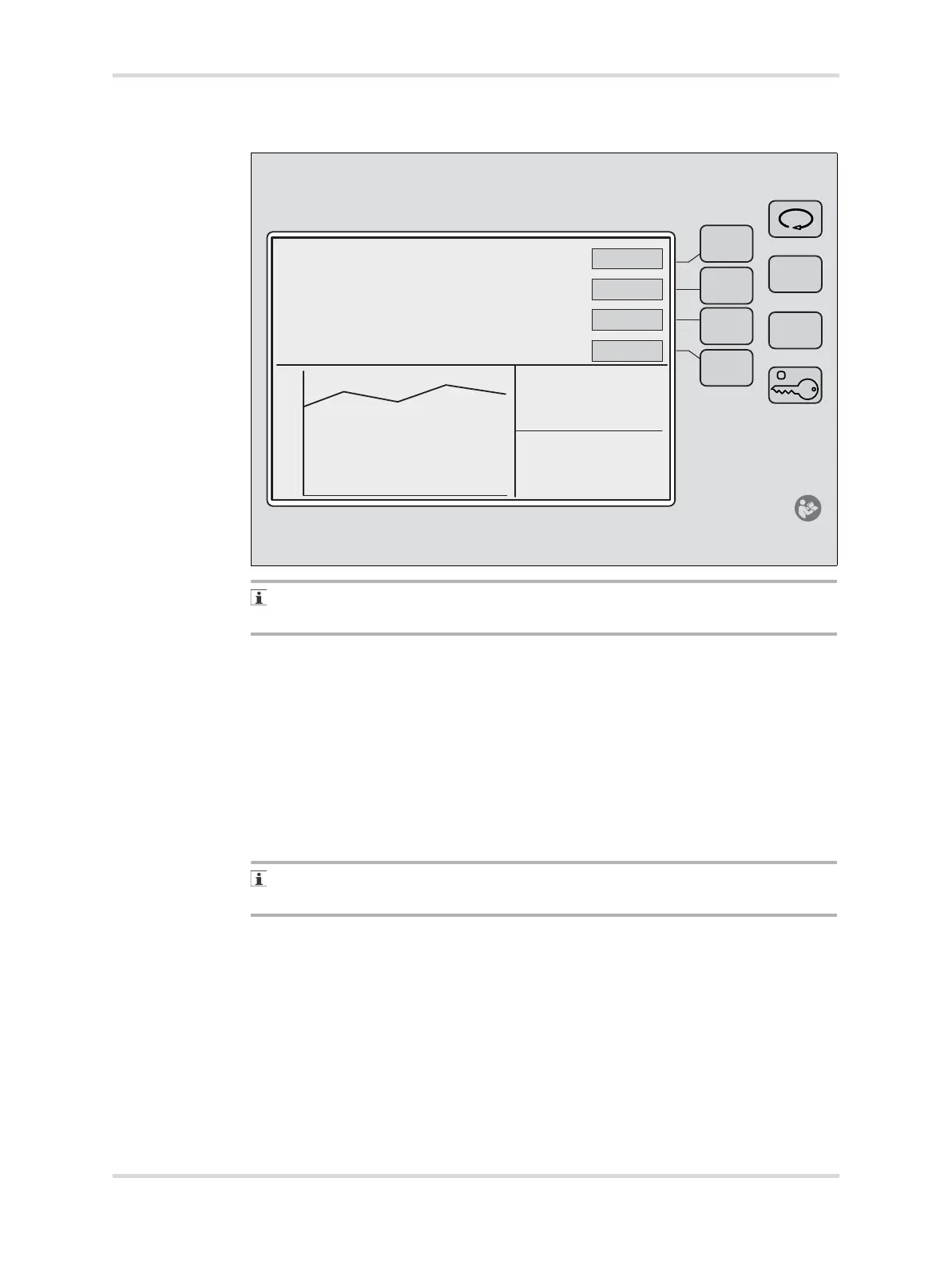
8.5.1 Displaying trends
If no keys are pressed within 15 seconds of making any selection, the screen
automatically reverts to the previous display.
1 If necessary, unlock the keypad.
2 At display 1, press the Display Selection key.
Display 2 appears.
3 At display 2, press the Trend button to select the Trend display.
Trend menu items appear.
4 Press and hold the Clear button (A).
All Trend displays are cleared.
5 To select the trend period: 2, 4, 8, 12, or 24 hours, press the Hours button (B).
The Hours button is not applicable for trends of the infant weight. The trend
interval for infant weight is 7 days.
6 To select one of the following Trend displays, press the Display button (C)
repeatedly until the desired setting is shown:
Air temp
Skin temp
Heater power %
Oxygen (optional)
Humidity (optional)
Weight (optional)
051
40
35
30
25
20














 To Next Page