Instructions for use Isolette 8000 plus SW 5.n 95
Operation
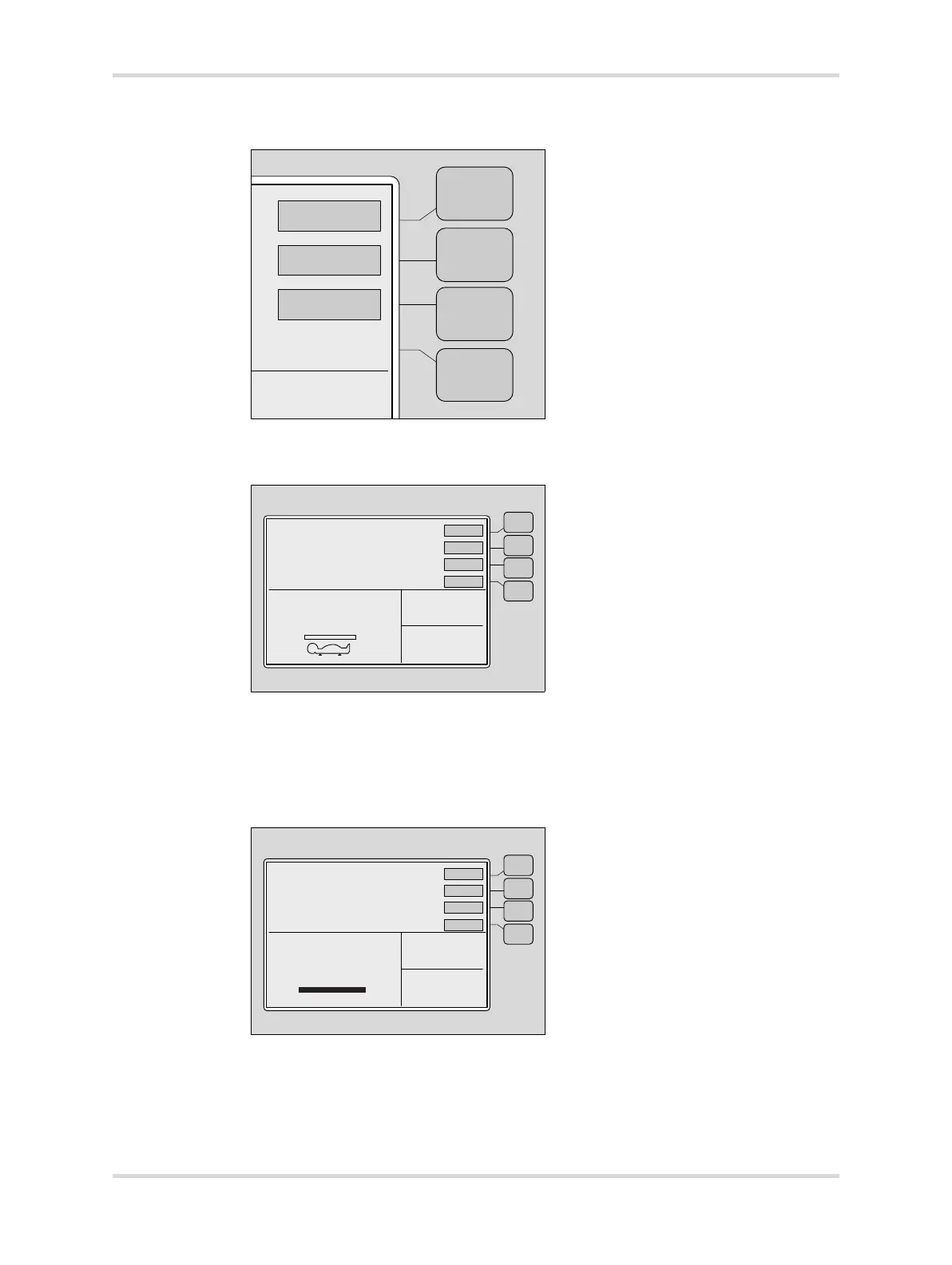
3 At display 2, press the Weight button (A).
4 Press the ->0/T<- button (B).
The Lift Baby prompt symbol is displayed (C).
5 Lift the infant off the bed.
The Lift Baby prompt symbol disappears.
6 Place the infant on the bed.
The Weight Sample bar fills, and the weight of the infant is displayed in the
Trend/Alarm window (D).
7 To enter the infant weight in the Trend/Alarm window, press the Store button (E).
058039040














 To Next Page