29
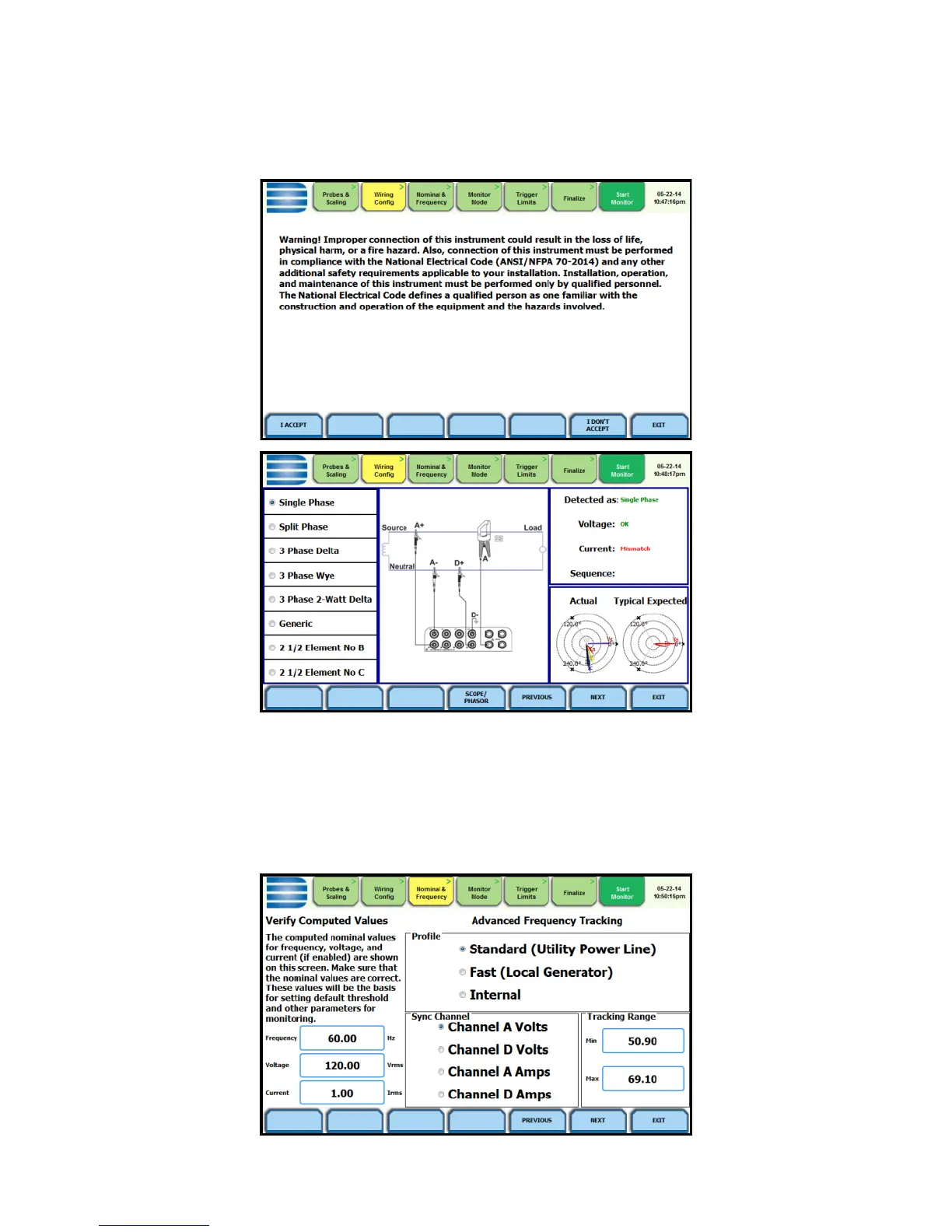
An auto circuit detection window is displayed to select the detected
circuit type, nominal voltage, current and frequency. Parameters that
match expected measurements are displayed in green. Ones that do not
match are displayed in red.
Frequency, Voltage and Current Settings
The Nominal Values screen allows you to select frequency sync options,
including channel source (Va, Vd, Ia, Id), speed of response (Standard -
Utility Power Line, Fast - Local Generator or Internal), and frequency
sync min/max range.



 To Next Page