Viewing The Instrument Pages
70
5.4.8.1 ETHERNET PAGES
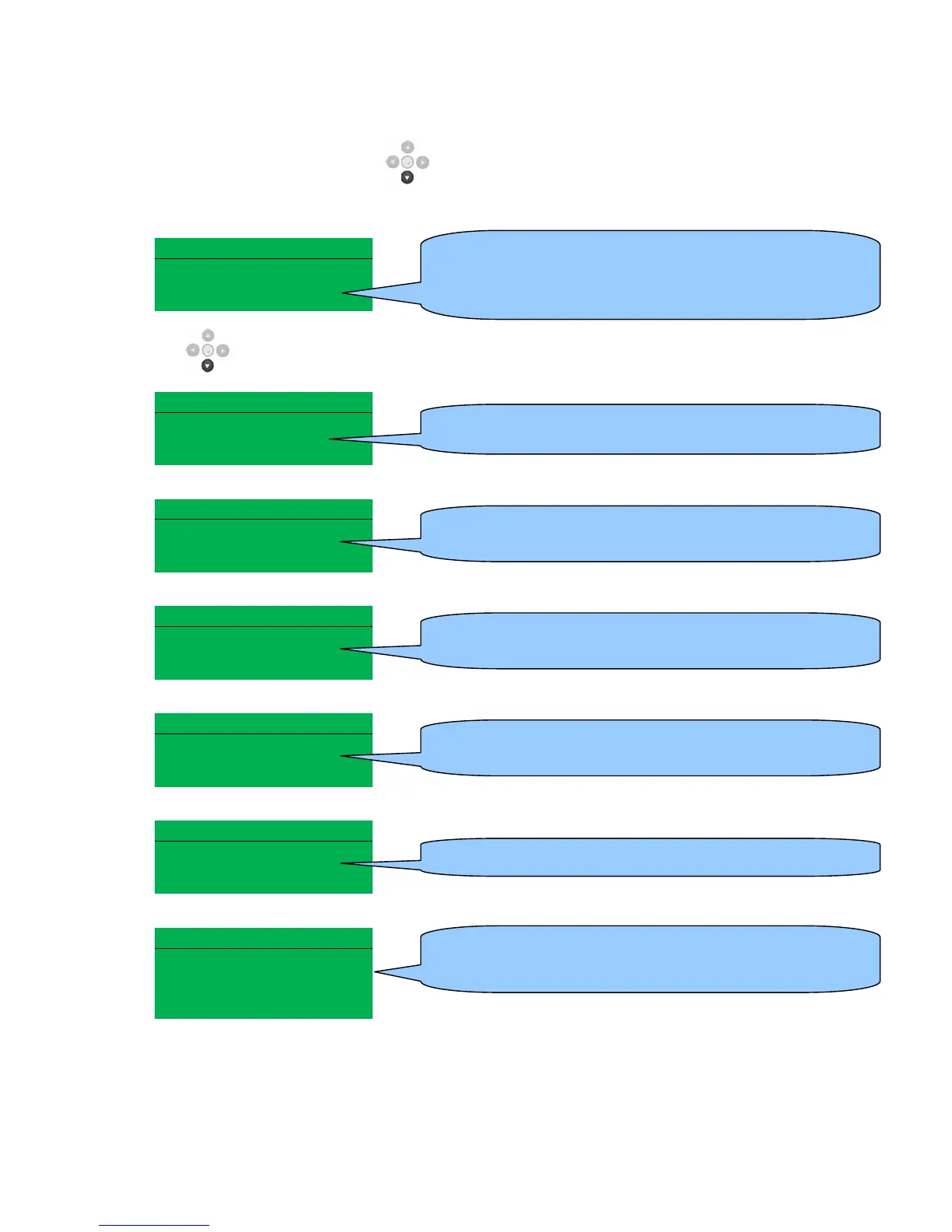
Whilst in the ‘ABOUT’ section, press to access more information about the network settings.
Network settings change be configured using DSE Configuration Suite Software. The module must be
rebooted for the changes to take effect.
Network
IP Address
192.168.50.76
DHCP Disabled
Press to access more information about the network settings.
Network
Subnet Mask
255.255.255.0
Network
Gateway Address
192.168.49.76
Network
DNS Address
192.168.88.99
Network
MAC Address
E8.A4.C1.0.A.C2
DHCP
Host
Domain
Vender
MODBUS Over IP
TCP Port 502
Pref IP 192.168.20.1
1
• IP Address – The configured network IP address of the
module
• DHCP – Dynamic Host Configuration Protocol (DHCP)
has been enabled or disabled in the modules
• MAC Address – The MAC address of the module, this
cannot be changed and is unique to each module.


 To Next Page