Operation
75
6 OPERATION
6.1 CONTROL
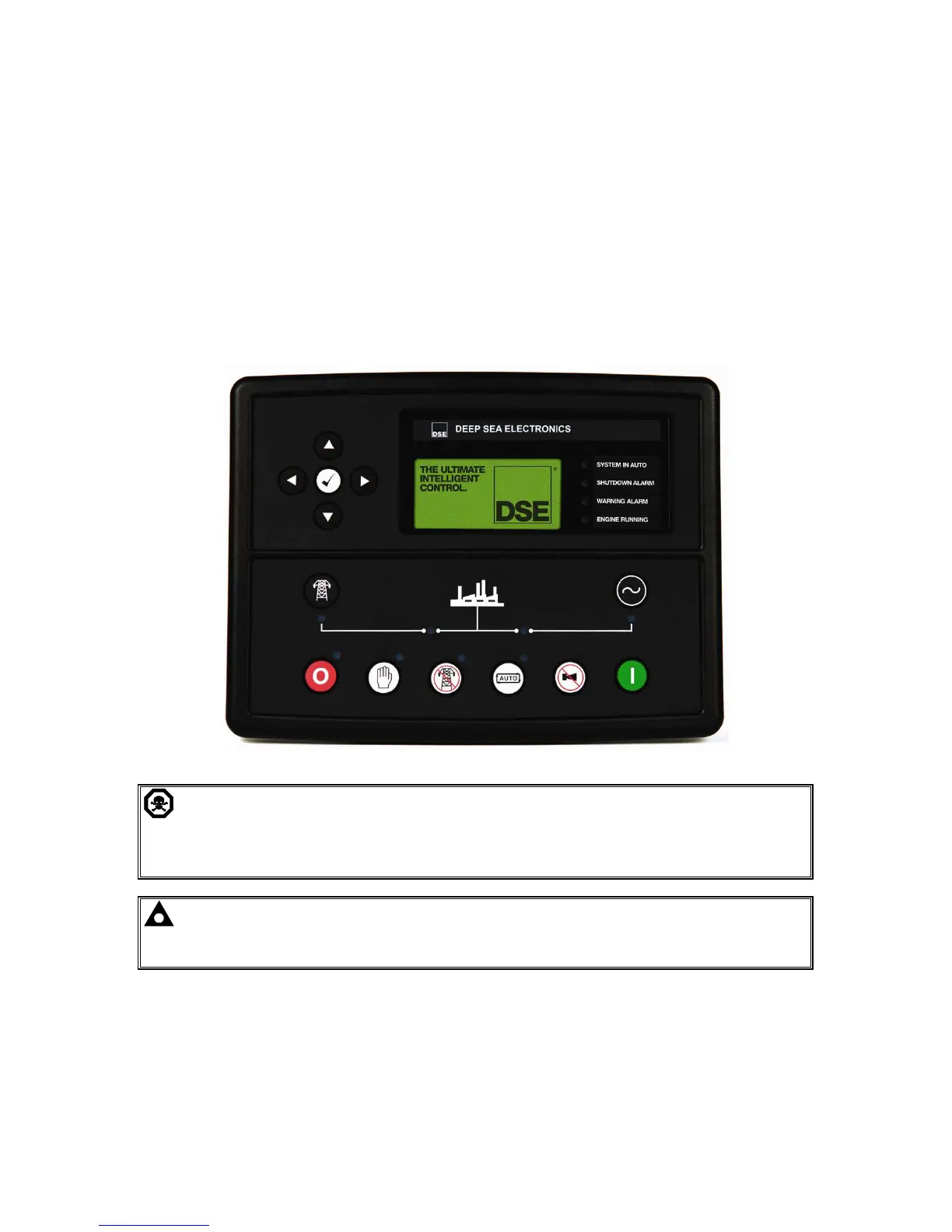
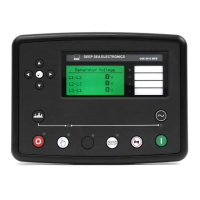
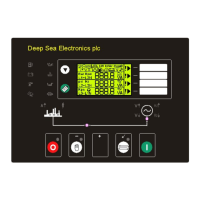
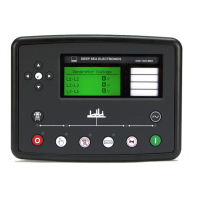
Control of the module is via push buttons mounted on the front of the module with STOP/RESET,
MANUAL, TEST, AUTO, ALARM MUTE and START functions. For normal operation, these are the
only controls which need to be operated. The smaller push buttons are used to access further
information such as mains voltage or to change the state of the load switching devices when in
manual mode. Details of their operation are provided later in this document.
The following descriptions detail the sequences followed by a module containing the standard ‘factory
configuration’. Always refer to your configuration source for the exact sequences and timers observed
by any particular module in the field.
CAUTION: - The module may instruct an engine start event due to external influences.
Therefore, it is possible for the engine to start at any time without warning. Prior to
performing any maintenance on the system, it is recommended that steps are taken to remove
the battery and isolate supplies.
NOTE: - This control module has PLC functionality built in. This can have change the
standard operation when used. (Default configuration the no PLC is set. See software manual
for more information)


 To Next Page