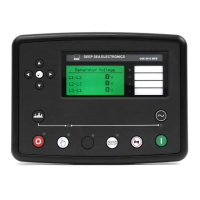
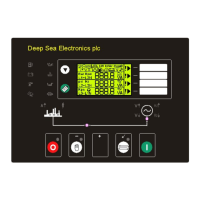
Operation
77
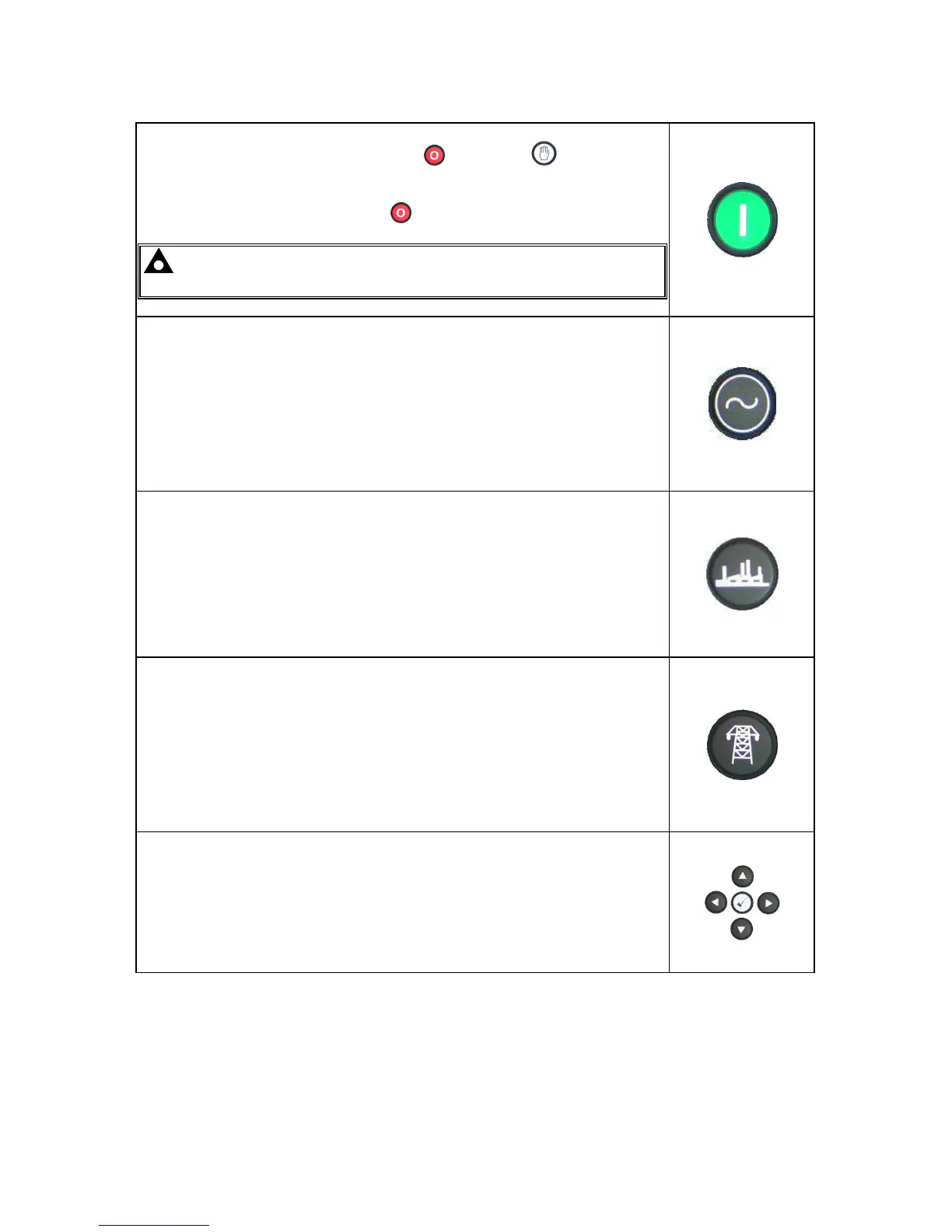
Start
This button is only active in STOP/RESET
or MANUAL mode.
Pressing this button in manual or test mode will start the engine and run off
load (manual) or on load (test).
Pressing this button in STOP/RESET
mode will turn on the CAN engine
ECU (when correctly configured and fitted to a compatible engine ECU)
NOTE:- Different modes of operation are possible - Please refer to
your configuration source for details.
Transfer to generator
Operative in Manual Mode only
‘Normal’ breaker button control
• Allows the operator to transfer the load to the generator
‘Alternative’ breaker button control
• If mains is on load, transfers the load to the generator.
• If generator is on load, opens the generator breaker
• If generator and mains are off load, closes the generator breaker.
Open generator (DSE7410 only)
Allows the operator to open the generator (when in Manual mode only)
Transfer to mains (DSE7420 only)
Operative in Manual Mode only
‘Normal’ breaker button control
• Allows the operator to transfer the load to the mains
‘Alternative’ breaker button control
• If generator is on load, transfers the load to the mains.
• If mains is on load, opens the mains breaker
• If generator and mains are off load, closes the mains breaker.
Menu navigation
Used for navigating the instrumentation, event log and configuration screens.
For further details, please see the more detailed description of these items
elsewhere in this manual.
6.3 ALTERNATIVE CONFIGURATIONS
Depending upon the configuration of your system by the generator supplier, the system may have
selectable configurations (for example to select between 50Hz and 60Hz running). If this has been
enabled your generator supplier will advise how this selection can be made (usually by externally
operated selector switch or by selecting the required configuration file in the module front panel
configuration editor).


 To Next Page