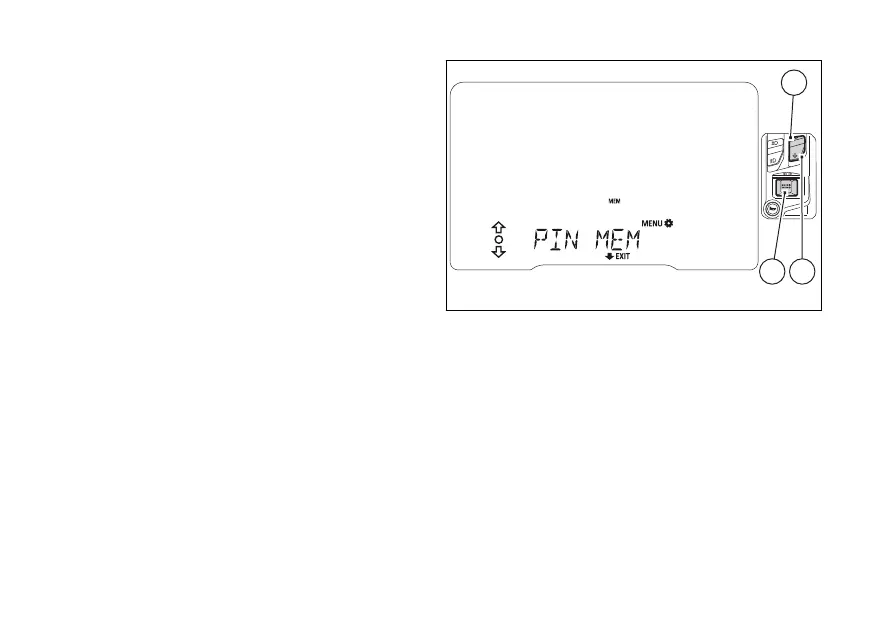
When you press (4) to confirm the and
last digit, the MEM item frame (C, Fig 61) is flashing.
Now you can use (1) and (2) to do the
following:
- keep (2) pressed for 2 seconds to quit the
function without saving the PIN code;
- select every figure (flashing) of the set code and
press (4) to edit them and repeat the
code entry procedure;
- select MEM (flashing frame) (C, Fig 61) and press
(4) to save the new PIN CODE.
Then the instrument panel shows "PIN MEM"
for 2 seconds and goes back to the previous
screen.
To exit and go back to the previous screen, keep
(2) pressed for 2 seconds.
Once the first PIN CODE is stored, this menu page is
no longer available and is replaced by the page for
changing the PIN CODE. The page for entering the
very first PIN CODE is active and available again only
in case the PIN CODE function is reset (but this is
only possible at a DUCATI Authorised Dealer).
Fig 62
109













 To Next Page