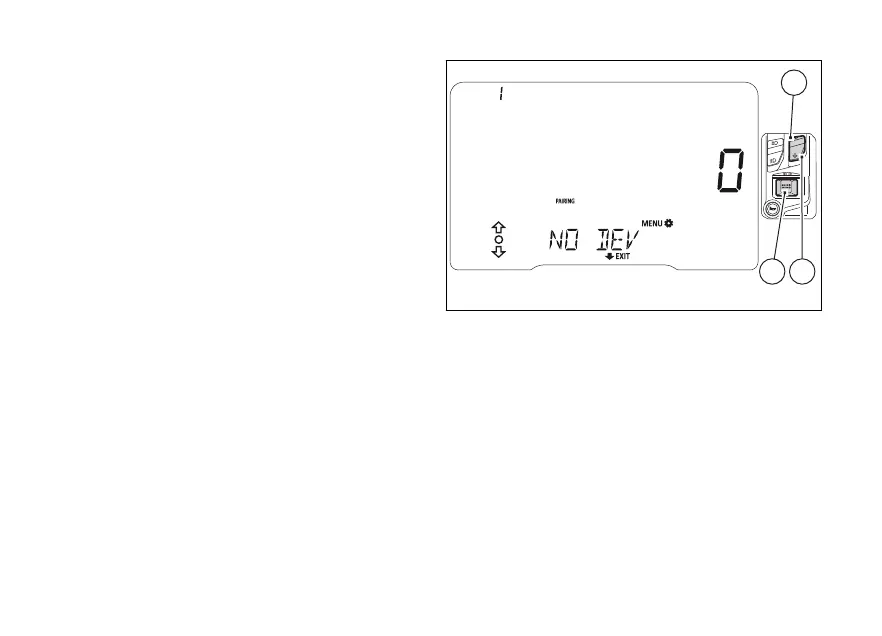
If no device is selected during the pairing phase, "NO
DEVICE" will appear and the displayed number will
be ZERO. If no device is connected, no icon of the
device type will be displayed.
Use (1) and (2) to select PAIRING (flashing
frame) and then press (4) to repeat the search
for devices in the range. Otherwise you can go back
to the previous screen by keeping (2) pressed
for 2 seconds.
Pairing deactivation takes place when the
BLUETOOTH SETTING MENU or when no more
devices are present.
Fig 94
141













 To Next Page