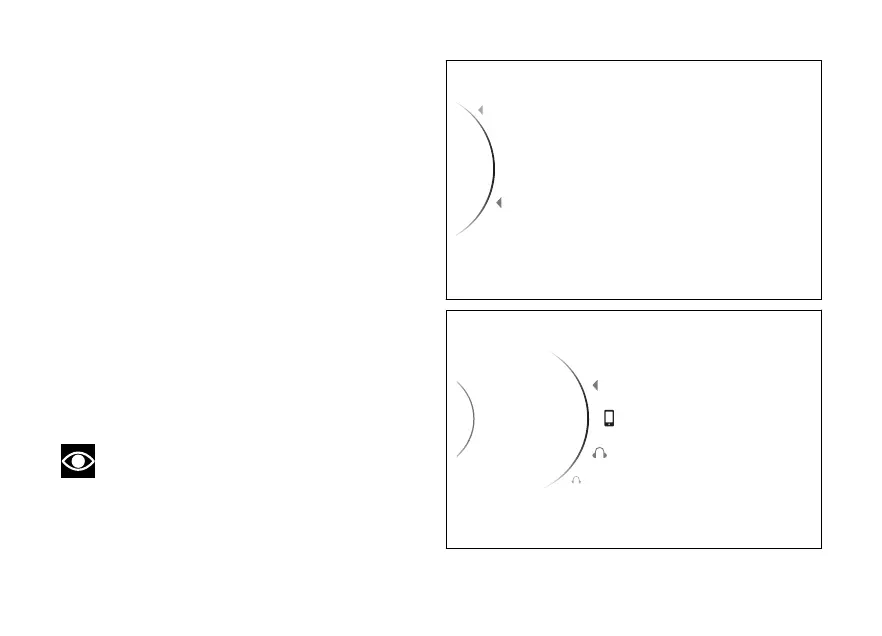
To pairing procedure use (1) and (2)
to select "Pairing" and press the ENTER (3).
As you enter this function, the instrument panel
displays the following items: “Rider”,
“Passenger”, “Navi”.
Use (1) and (2) to select the type of device for
which you wish to the device search procedure.
Once the device is highlighted, press the ENTER
(3).
To exit the menu and return to the previous screen,
select the “Back” item and press the ENTER
(3).
The instrument panel displays "Wait..." during device
search phase. The pairing ends automatically when
devices are detected within the range. This search
phase takes 60 seconds.
At the end of this operation, a list of all found devices
that can be paired is displayed: the list can show a
maximum of 20 devices.
Note
The list of devices found within the range
during the pairing stage does not include already
paired devices even if their Bluetooth connection is
ON.
Pairing
Associated Devices
...
Back
Back
Fig 3
...
...
Pairing
2
Passenger
Smartphone
1
Rider
Back
Fig 4
21













 To Next Page