A. SYSTEM OVERVIEW
The following instructions assume the user has an adequate knowledge of the Eagle Eye
Pro system as described in the previous pages.
1. Camera Options
Cross country does not have the same frame rate
requirement as track and field. For this reason, you have
the option of using either your high speed camera (recording
at a recommended 30fps) or a USB camera (recording at 30
frames per second).
An advantage of a quality USB camera (such as a Microsoft
HD Lifecam) is that it can be powered by the computers USB
port, making the system completely portable. Additionally,
the video file created is much smaller and takes less hard
space than a video created with a high speed camera
running at 100+ fps.
2. Manual vs. Automatic Start
The race clock for cross country can also be started manually and does not require an
automatic start system. To clear the time code after a manual start (example: false start)
delete the video sequence via the History Reel. Perform a Right-click delete on the file.
3. Entering Results – Using Bib Numbers
When integrating with meet management software such as Hy-Tek, Race Tab or Excel
template, the operator will enter the bib number of the finishing athlete within the Results
tab of the Eagle Eye Pro software. To do so, the cross country option must be checked
within the Results tab. Details on page 26.
4. Camera Alignment & Order of Finish
Cross country places an emphasis on an accurate order of finish. For this reason, video
verification is an absolute must for cross country regardless of the timing system used.
Eagle Eye excels by combining both video confirmation with an accurate race clock and
resulting time for each competing athlete.
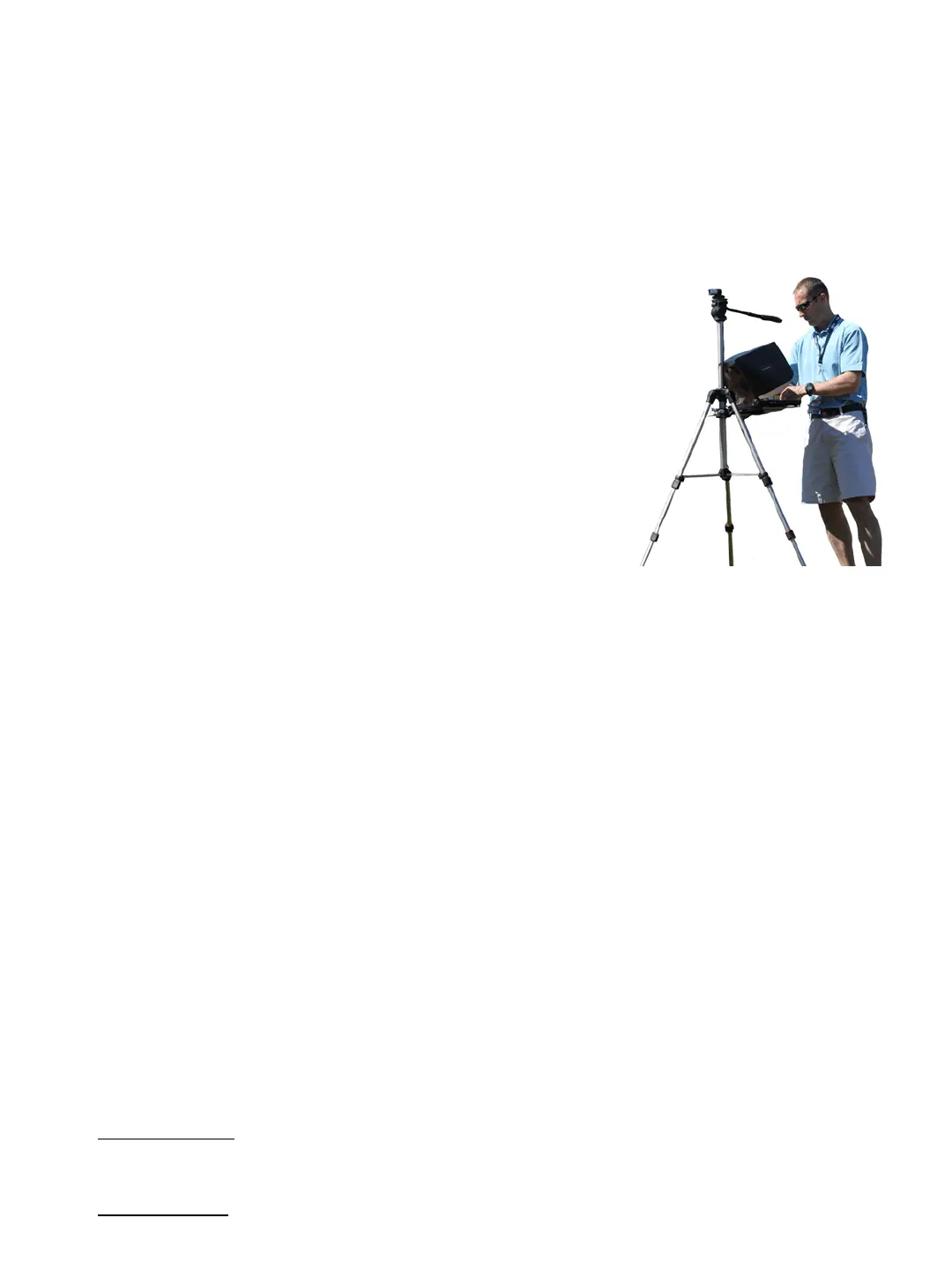
Camera placement depends on how you intend to use your system for cross country (as
described below).
Primary Timing: If you are using Eagle Eye Pro as a primary cross country timing system, it
is recommended that the camera be positioned slightly past the finish line and angled
slightly forward in order to view athlete bib numbers.
Video Back-Up: If your system is used as a video back up system only, the camera can be
aligned off to the side at your discretion.
II. CROSS COUNTRY
22


 To Next Page