OPERATION
3-24 25364 Issue 8 March 2018
Barcode
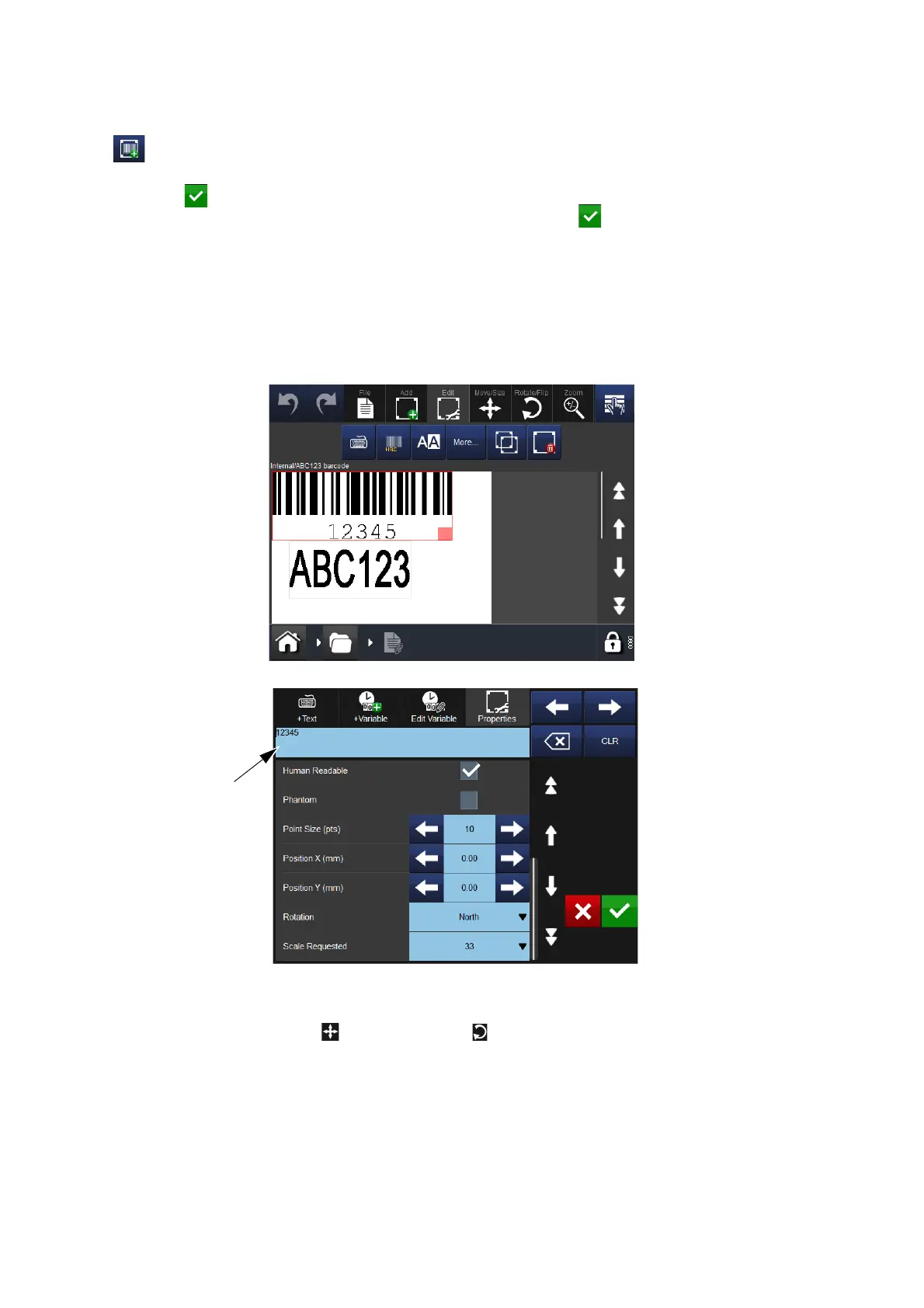
Select the Add Barcode button, type the name of the message and select
the button. Select the More button. On the barcode’s list of Properties,
enter the barcode data as appropriate, then select the button to insert
the code into the message.
To display / edit properties, either:
• Highlight the barcode within the me
ssage and select the More button
OR
• Select and long-press the barcode to find its properties.
To delete a message’s selected item whilst in the barcode’s Properties
screen, select the Delete Item button.
Using the Move/Size and Rotate/Flip functions, arrange the item as
required within the message area.



 To Next Page