DESCRIPTION AND INSTALLATION
25364 Issue 8 March 2018 2-25
Using a 24V Product Detector or Proximity Sensor
Compact 32d, 32c and 53c
(1) Ensure JP1 and JP2 on the connector board are set to the default
position 2-3 for 24V. See “Output Voltage” page 2-22.
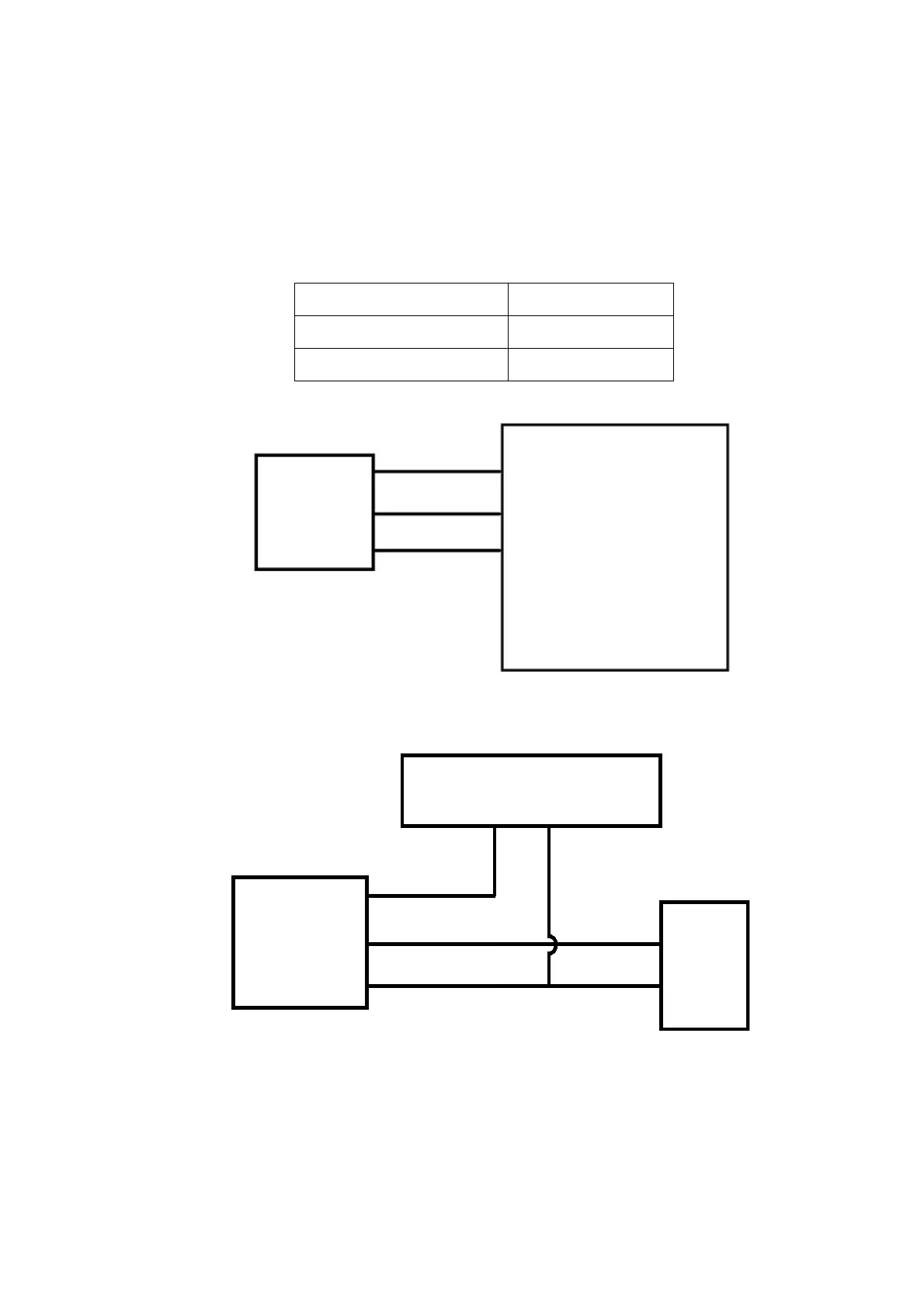
(2) Connect the NPN sensor as follows:
+24V Pin 9
0V Pin 13
Signal from sensor Pin 5
Pin 5 (Yellow)
Pin 13 (Black / White)
Printer
Pin 9 (Grey)
Sensor
Signal
+24V
0V
Communicator II
0V
NPN
Sensor
+24V
Signal
I/O Box
Pin 5
Pin 13
24V Power Supply
+24V
0V



 To Next Page