DESCRIPTION AND INSTALLATION
2-24 25364 Issue 8 March 2018
Front Multi-Function Button (Compact 32d, 32c and 53c only)
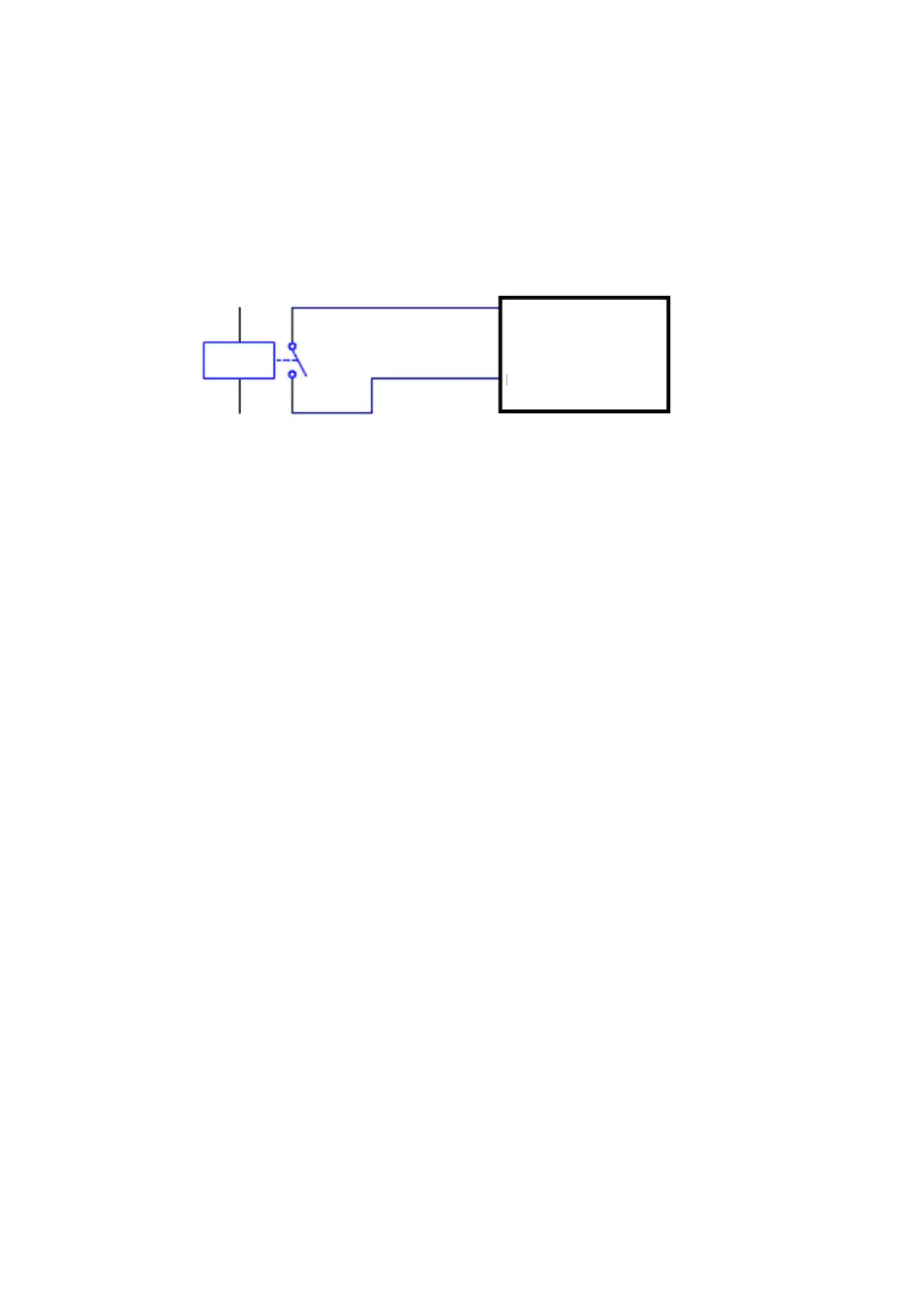
Using volt-free contacts - The front multi-function button can be triggered
with a 1 second pulse which will either tension the ribbon, initialise the
printer or clear error (depending on printer status). An 8 to 10 second pulse
will switch off the printer. The connection is made using pins 7 and 15 of the
I/O connector, as shown in the following diagram:
Pin 7 (Blue)
Pin 15 (Red / White)
Printer
Relay



 To Next Page