OPERATION
3-8 25364 Issue 8 March 2018
SHUT DOWN
Disconnect Compact Touchscreen /
Touchscreen from Printer
• If you are at the Log In screen, select Disconnect OR
• From any other screen, select
and then select Disconnect from
printer.
• If a Compact Touchscreen is being used, it will turn off when its
power
is removed. If it is connected by USB, this will happen automatically
when the printer is powered off.
CAUTION: The Compact Touchscreen must not be powered
from th
e Communicator II USB port.
Printer Shut Down
To shut down the Compact 32d, 32c or 53c printer, select and hold the
Reset button until the LED changes colour, then release the Reset button.
To shut down the Communicator II printer, turn off the switch on the power
supply.
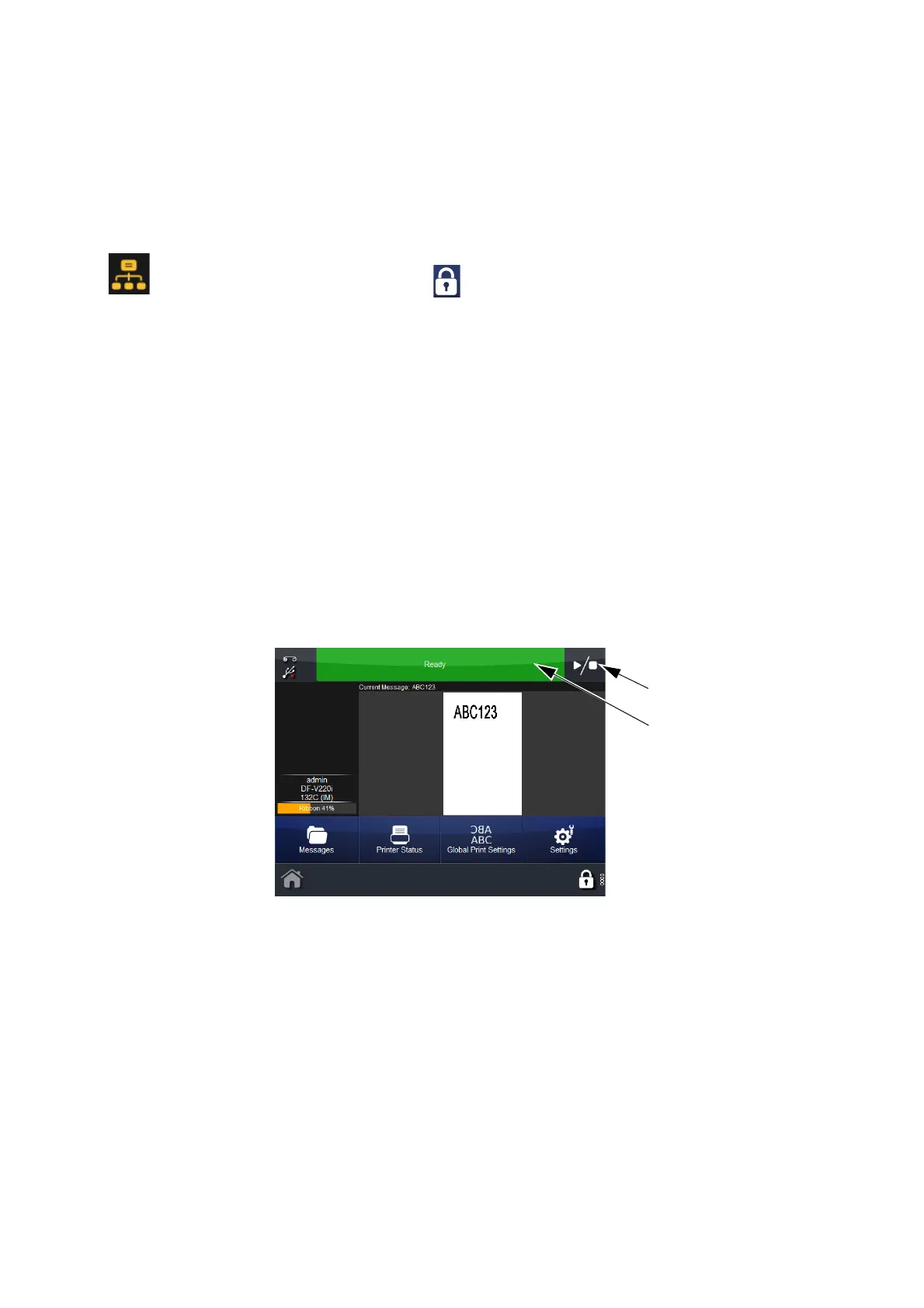
STATUS BAR
Status Bar
Play / Stop
Button
The Status Bar’s colour denotes the printer’s status, whilst the Play / Stop
button enables the user to select a new print state for an active message.
For example, if a message is selected and the Status Bar shows ‘Ready’,
select the Play / Stop button to select a new print state. The options are
Restart Print, Cancel Print or Pause Print:
• When selecting Restart Print, enter any variable
data and the number
of prints required if the Print Counter is enabled. Select Next. Select
the Play / Stop button to select a new state
• When selecting Cancel Print, the print job is removed from the queue -
the Status Bar turns blue and
displays ‘Idle’



 To Next Page