OPERATION
25364 Issue 8 March 2018 3-53
Regional Settings
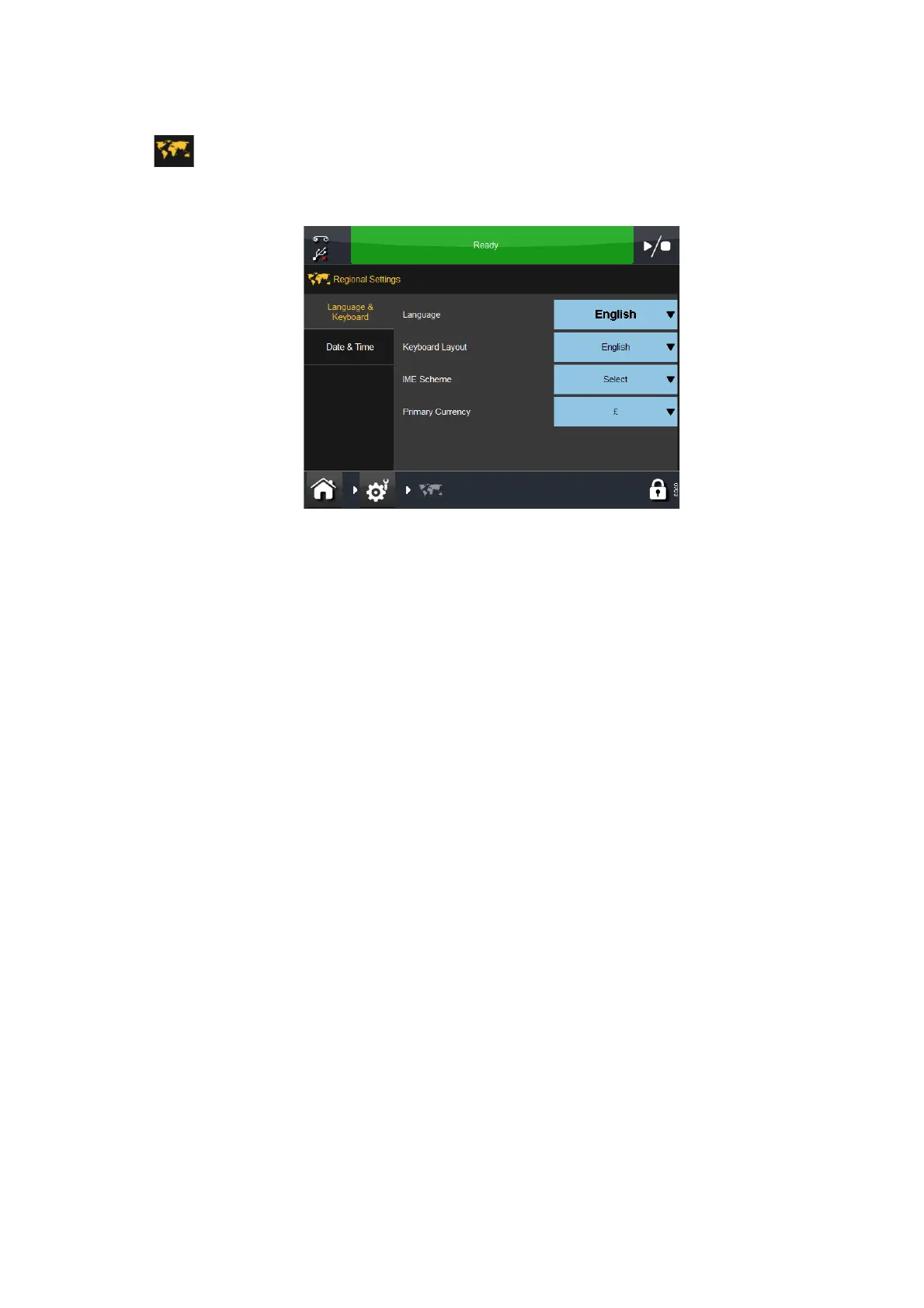
To change the UI Language or Keyboard layout, go to the following:
Settings > Regional:
Language and Keyboard
From this tab, the user can access pull-down menus to select the printer’s
defaults for the following: Language, Keyboard Layout, IME Scheme and
Primary Currency.
Notes: (1) The language, when set here, will be
overridden by the language
of the UI (Settings > User Interface > Language & Keyboard).
Setting the language here is necessary only for things like alerts,
which on some printers comes back pre-translated from the
printer.
(2) The keyboard layout language can also be changed from the
k
eyboard itself by selecting ‘Language’ from the Add Text
screen.
(3) The primary currency determines which symbol is on the main
k
eyboard (other symbols are available on the symbol keyboard).
Date and Time
Select either the displayed System Date or System Time to edit.



 To Next Page