MAINTENANCE, SERVICE AND FAULT FINDING
4-20 25364 Issue 8 March 2018
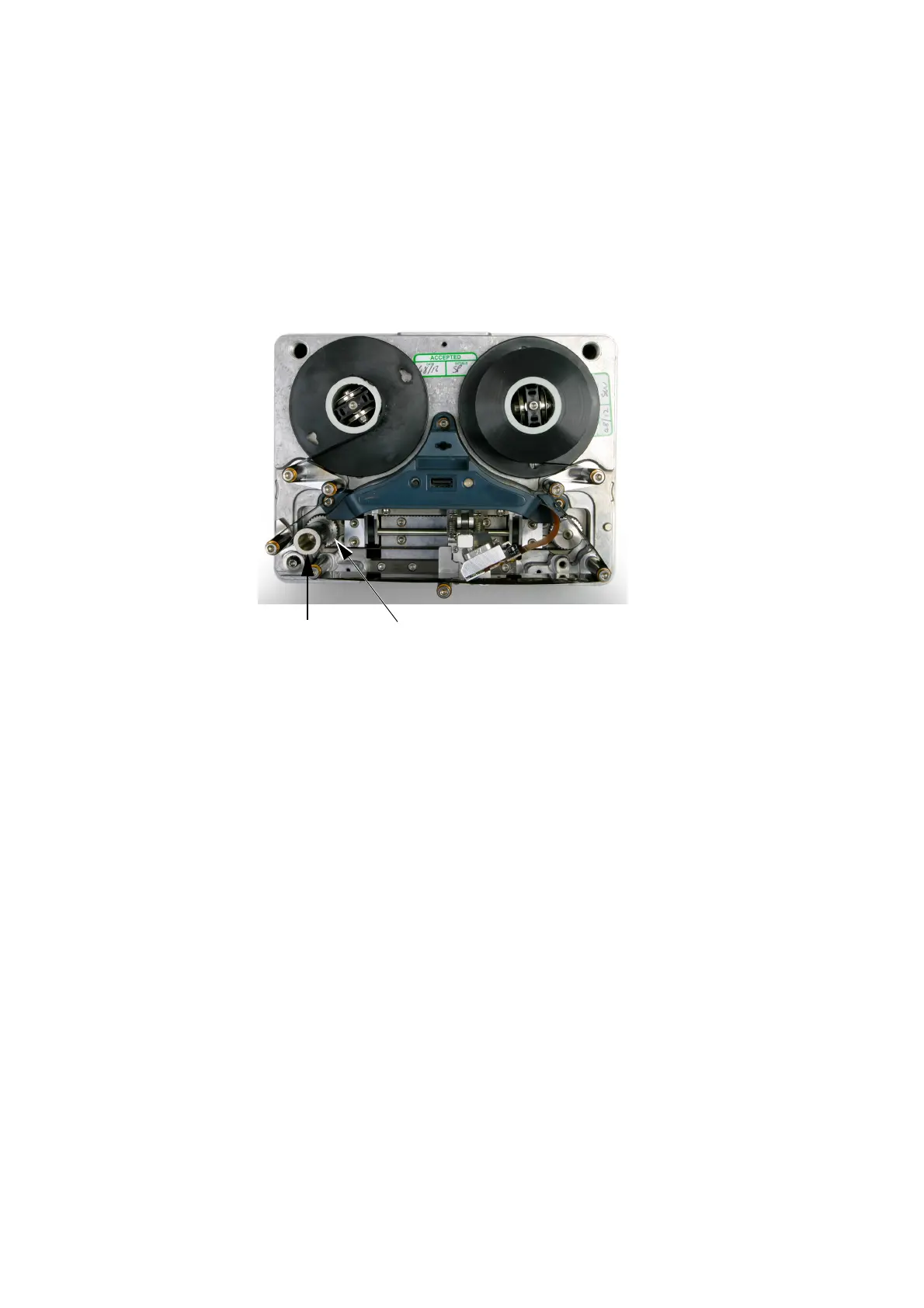
REPLACING THE CAPSTAN ROLLER
Compact 32d, 32c and 53c
Notes: (1) Tools required for Compact 32d: 2mm Allen key
(2) Tools required for Compact 32c / 53
c: 5mm Allen key
To replace the capstan roller on the Compact 32d printer:
(1) Turn the grub screw behind the capstan anti-clockwise.
Capstan
Roller
Grub
Screw
Compact 32d Printer
(2) Pull the capstan roller assembly out.
(3) Fit the new capstan roller on
to the motor shaft.
(4) Lock the capstan assembly int
o place with the grub screw.



 To Next Page