Input the PPPoE user name and password you get from the
IPS (internet service provider) and enable PPPoE function.
Please save current setup and then reboot the device to
get the setup activated.
Device connects to the internet via PPPoE after reboot.
You can get the IP address in the WAN from the IP address
column.
Please note if you want to reboot the device please make
sure you have proper reboot right and there is no login user
in current device.
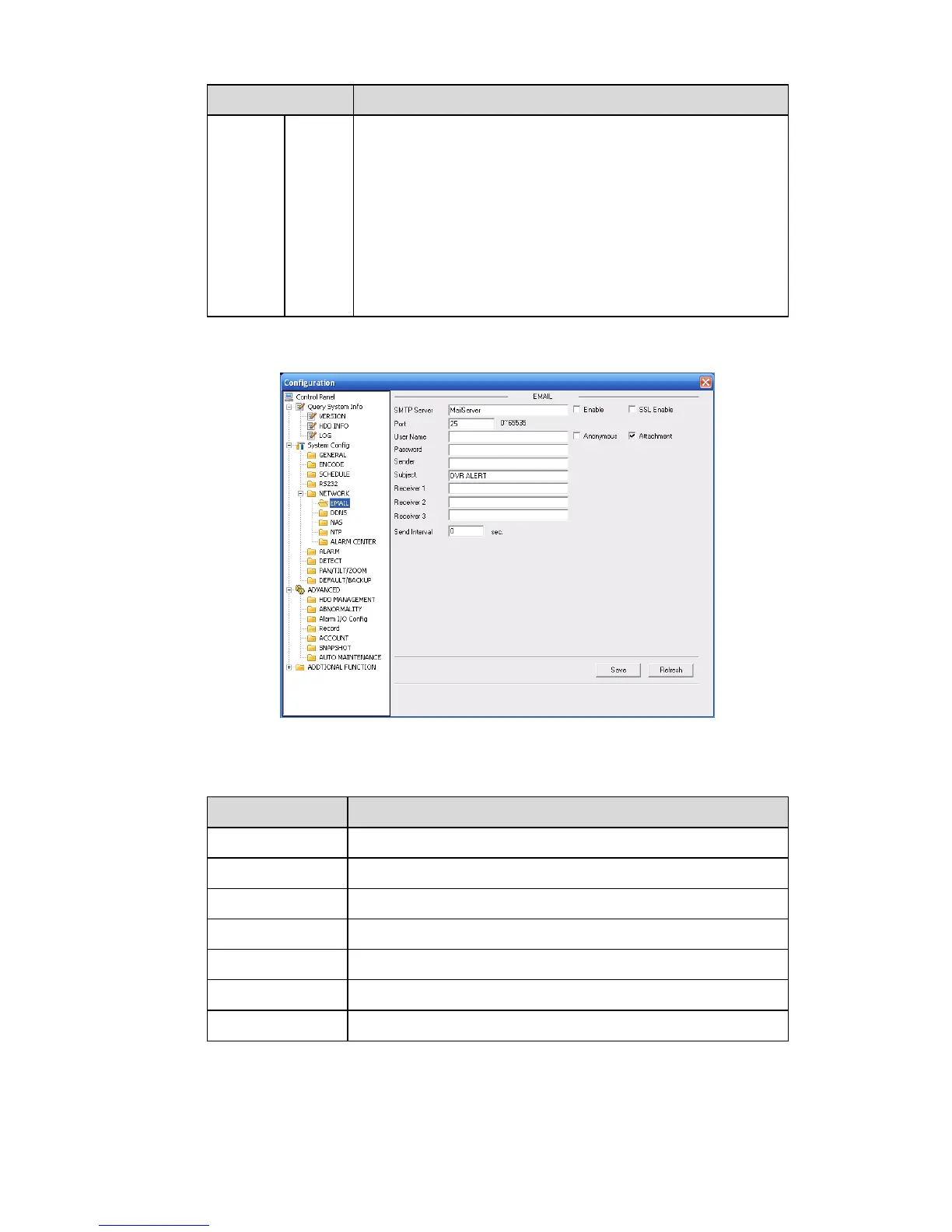
Email
The email interface is shown as in X463H463H463HFigure 7-33X.
Figure 7-33
Please refer to the following sheet for detailed information.
Input server address and then enable this function.
Default value is 25. You can modify it if necessary.
The sender email account user name.
The sender email account password.
Input email subject here.
Input receiver email address here. Max input three addresses.



 To Next Page