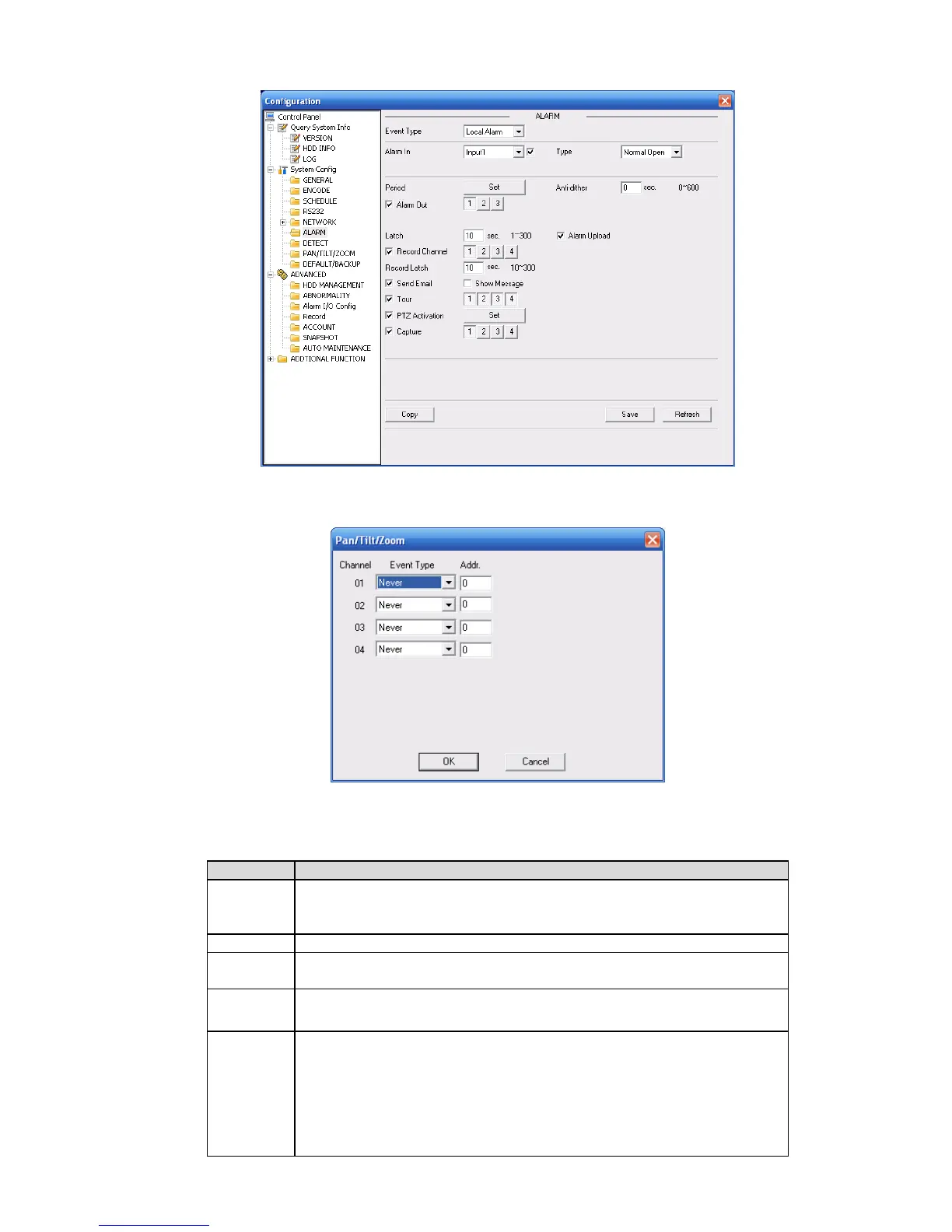
Figure 7-38
Figure 7-39
Please refer to the following sheet for detailed information.
It includes local alarm/network alarm.
Local alarm: Device detects alarm from input port.
Network: Device detects alarm from network.
Select corresponding alarm channel.
You need to draw a circle here so that system can detect the alarm
signal.
There are two options: normal open and normal close. NO becomes
activated in low voltage, NC becomes activated in high voltage.
Alarm record function becomes activated in the specified periods.
There are six periods in one day. Please draw a circle to enable
corresponding period.
Select date. If you do not select, current setup applies to today only.
You can select all week column to apply to the whole week.
Click OK button, system goes back to alarm setup interface, please
click save button to exit.



 To Next Page