Printer Operations
Document ID: OMM-00165 Rev. C Pro 32r Operations Guide 123
6.8.2 Multi-layer: Blockout
In this method the white layer is added to the image file in the RIP application.
1. RIP the files (C1 and C2) in the relevant Print Mode.
Available printing applications:
• Blockout on Transparent media
• Day-Night on Transparent media
• Day-Night on backlit media
Figure 6-23
2. Open the Grouping dialog box
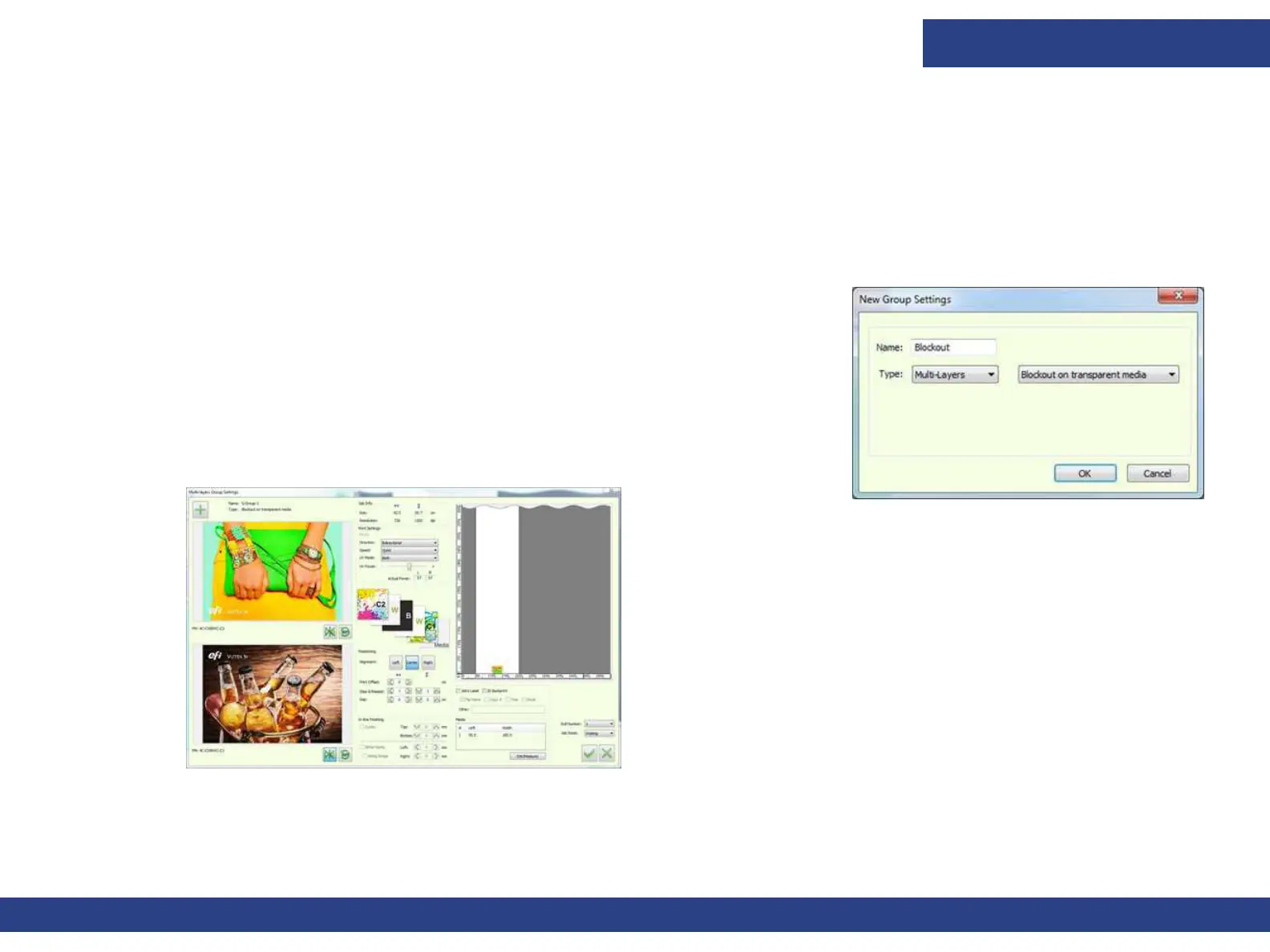
3. Name the group, and select Multi-layers and Blockout on transparent media
4. Click OK. The Multi-layer Group Settings opens.
5. Click the “+” button to add the files. The Jobs are automatically mirrored and placed
in the correct order.
6. Set the files and click OK to add the Multi-layer Job to the printing Queue.
7. Print.
Figure 6-24



 To Next Page