Printer Operations
Document ID: OMM-00165 Rev. C Pro 32r Operations Guide 124
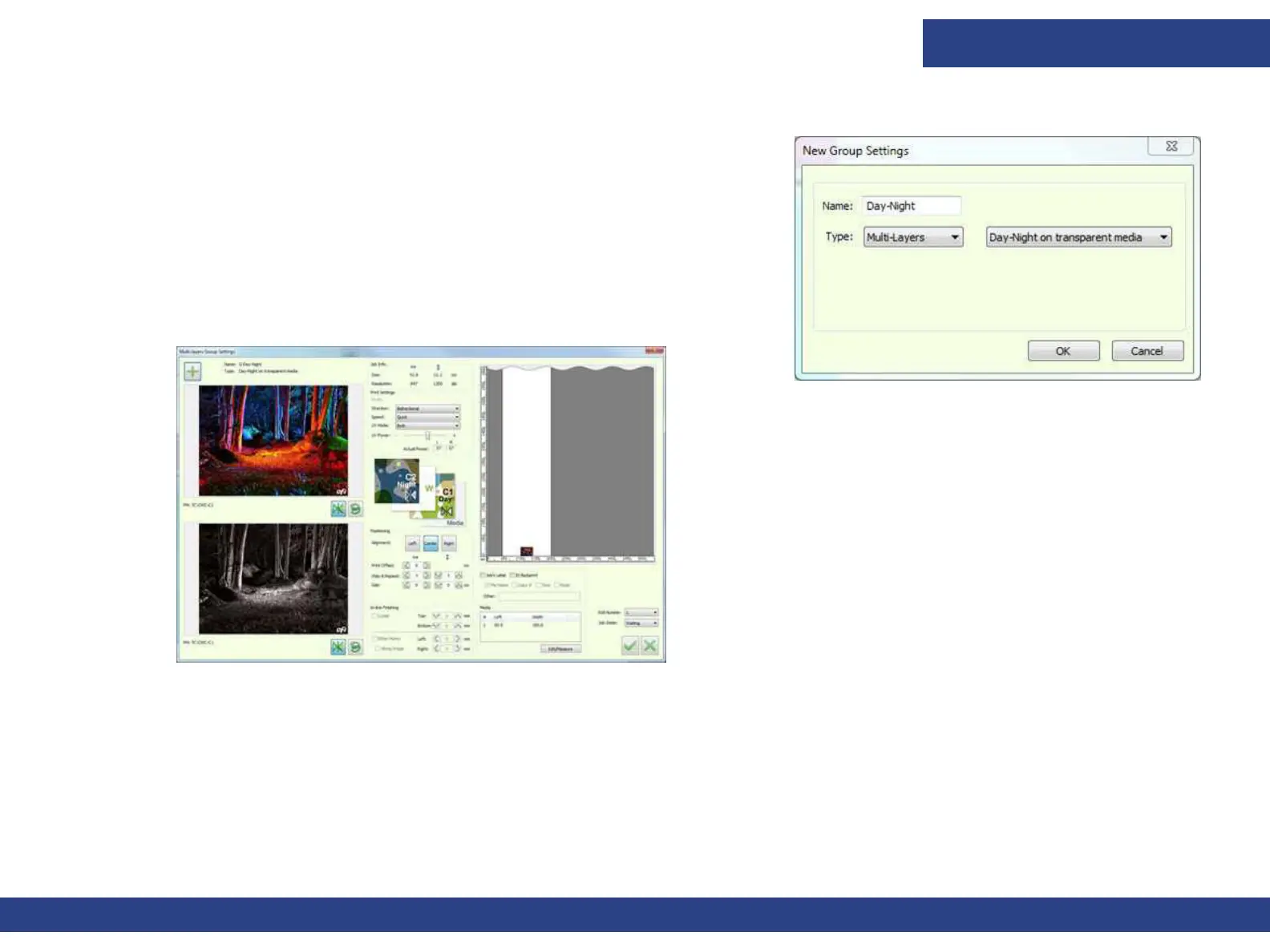
6.8.3 Multi-layer: Day-Night on Transparent Media
Figure 6-25
1. Open the Grouping dialog box
2. Name the group, and select the Type: Multi-layers and Day-Night on
transparent media
3. Click OK. The Multi-layer Group Settings opens.
4. Click the “+” button to add the files. The Jobs are automatically mirrored
and placed in the correct order.
Figure 6-26
5. Set the files and click OK to add the Multi-layer Job to the printing Queue.
6. Print.



 To Next Page