Double-sided Printing
Document ID: OMM-00165 Rev. C Pro 32r Operations Guide 147
Front Mark Colors/Back Mark Colors
You can select between C, M, Y and K for the front mark color and back mark color.
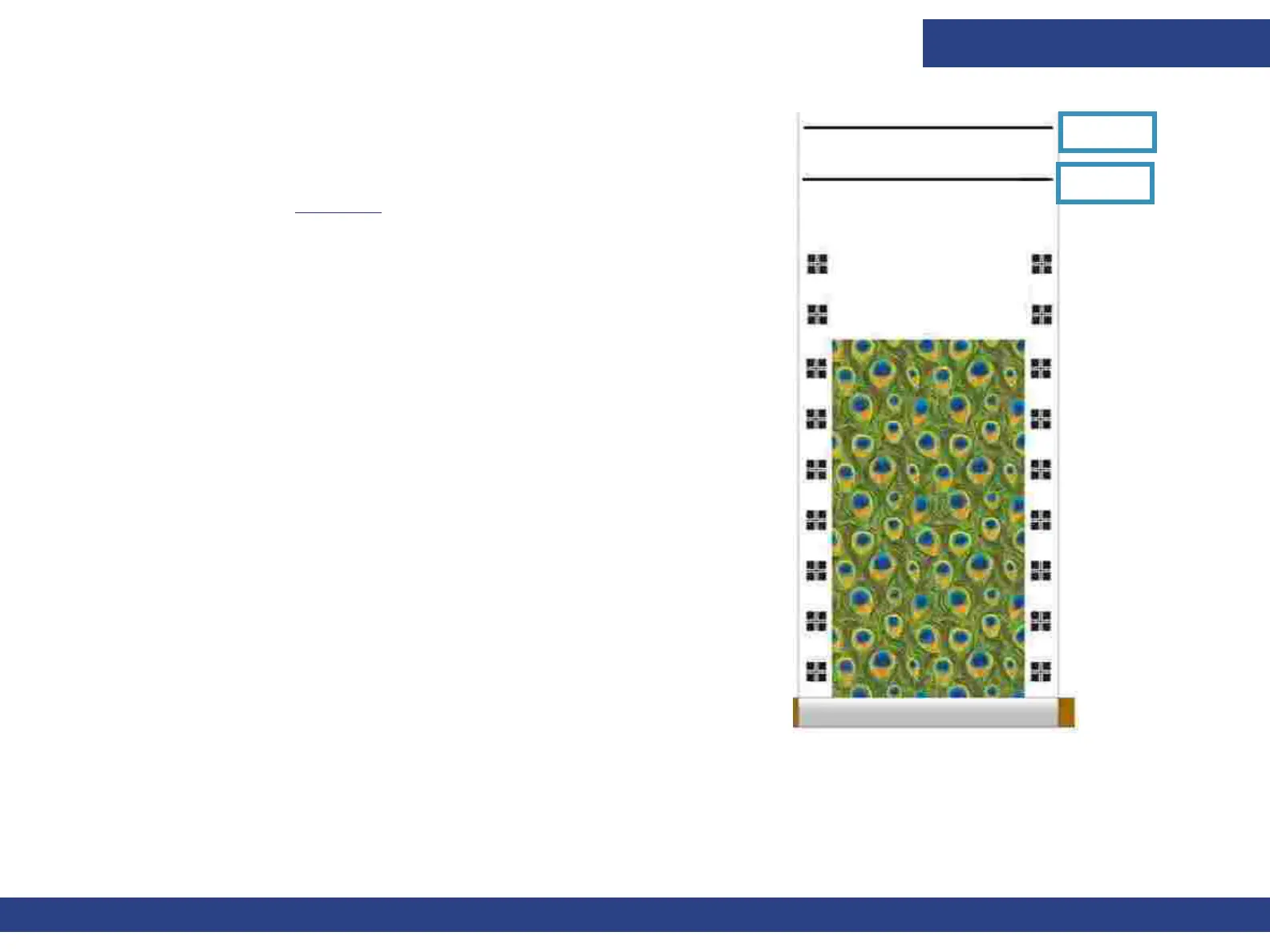
Print Cutting line – This line is printed at the end of side A, and marks where to cut
the media, leaving sufficient margin for loading the media to the Printer to print Side
B (2nd line), as shown in Figure 7-6.
Blockout Label to Image - Sets the distance of the Blockout label from the Image.
The minimum value is 30 mm, there’s no need for a higher value.
Short Measure - Shortens the Measure Media function between copies in Blockout.
Figure 7-6
2nd Line
1st Line



 To Next Page