Double-sided Printing
Document ID: OMM-00165 Rev. C Pro 32r Operations Guide 160
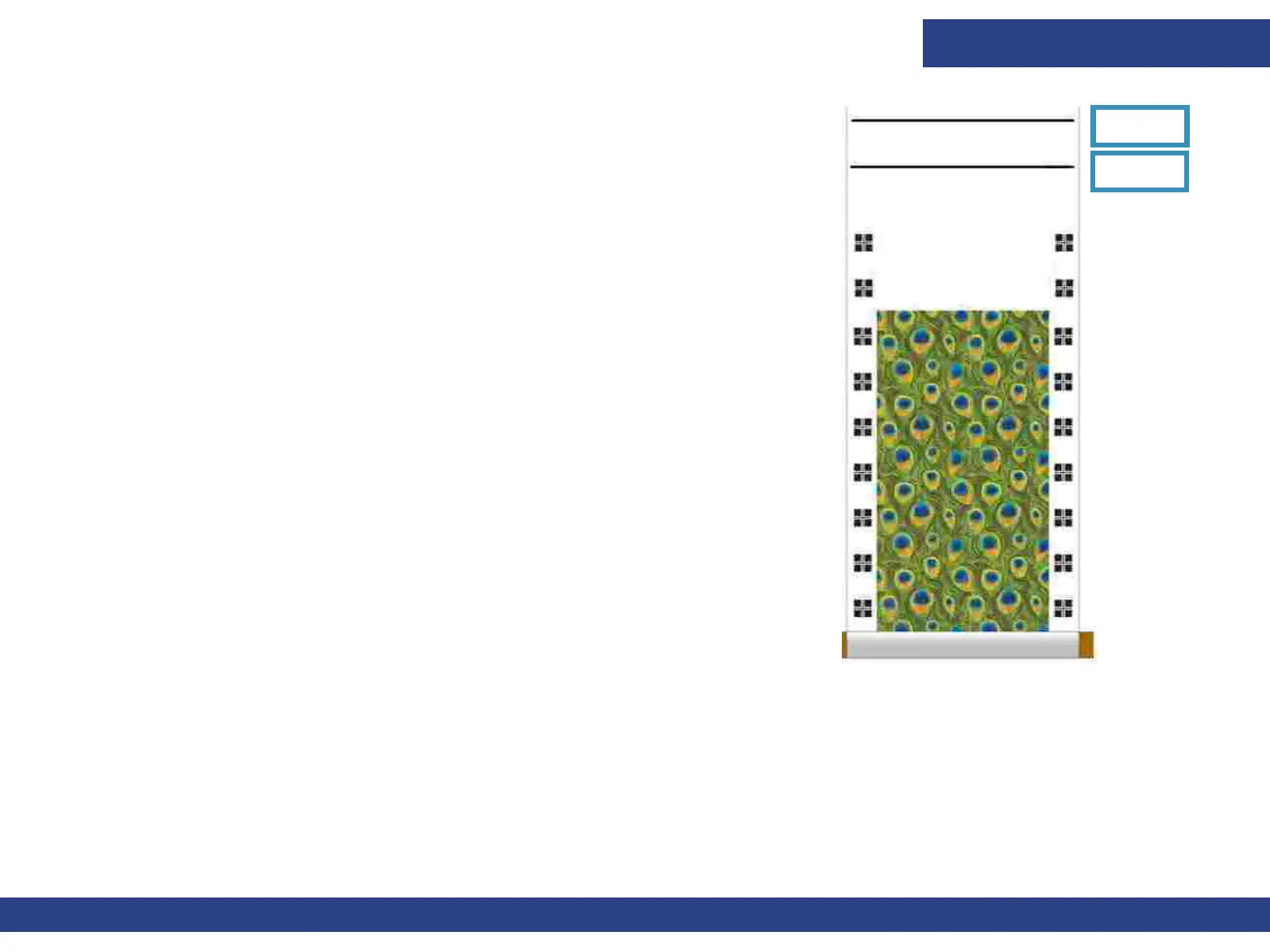
At the end of the job, two consecutive horizontal lines are printed. The first line
indicates the Start Point of the Side B printing. Cut a slit at both edges of the
line. These slits help you find the Start Point, when loading the media to print
Side B. The second line shows where to cut the media, so that when loaded to
print the other side, there is enough media to reach the freefall pistons.
6. Cut the media at the second line.
7. Load the media for printing Side B. Remove the Air Shaft with the printed media,
and load it to the rear side of the Printer without flipping or turning it.
Figure 7-27
2nd Line
1st Line



 To Next Page