Double-sided Printing
Document ID: OMM-00165 Rev. C Pro 32r Operations Guide 162
7.3.5 Blockout Sensor Calibration
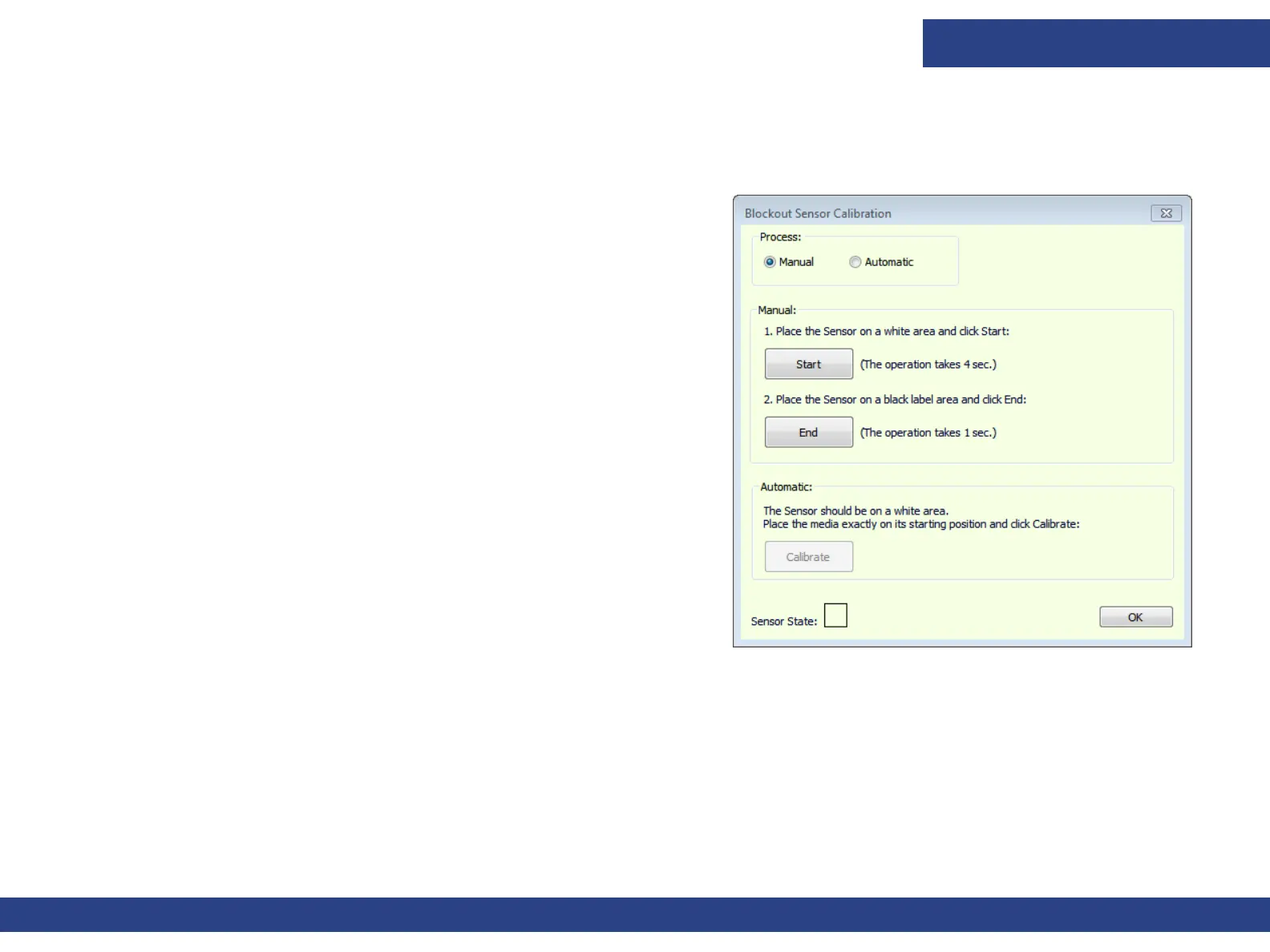
There are two types of block-out sensor calibration: manual and automatic.
Figure 7-30
Manual
1. Start printing a block-out job according to the standard procedure.
2. After printing the first side, reinstall the media for the second side
according to the selected process (Head-tail or Head-head).
3. Align the media to the front edge of the printing print table
according to the process.
4. Open the Blockout Sensor Calibration dialog box, select Manual
and choose Start.
5. Advance the media by 50 mm. The first black stripe is above the
sensor, and sensor beam is approximately at center of the stripe.
6. Choose End.
7. Rewind the media back by 50 mm until it is aligned again with the
front edge of the print table and continue printing the second side.



 To Next Page