Software Overview
Document ID: OMM-00165 Rev. C Pro 32r Operations Guide 47
No. Window Section Unlabeled
Icons
Icons/Field Description
1 Print Heads Maintenance Step Offset to the Right - For efficient use of the media, you can print several
Nozzle Test patterns – as many as can fit onto the media.
Nozzle Test When reaching the maximum, a message appears. You can then advance the
media manually and set the Step Offset to zero, to print the next nozzle test.
Media Adv. After - Advances the Media 120 mm, after the nozzle test print.
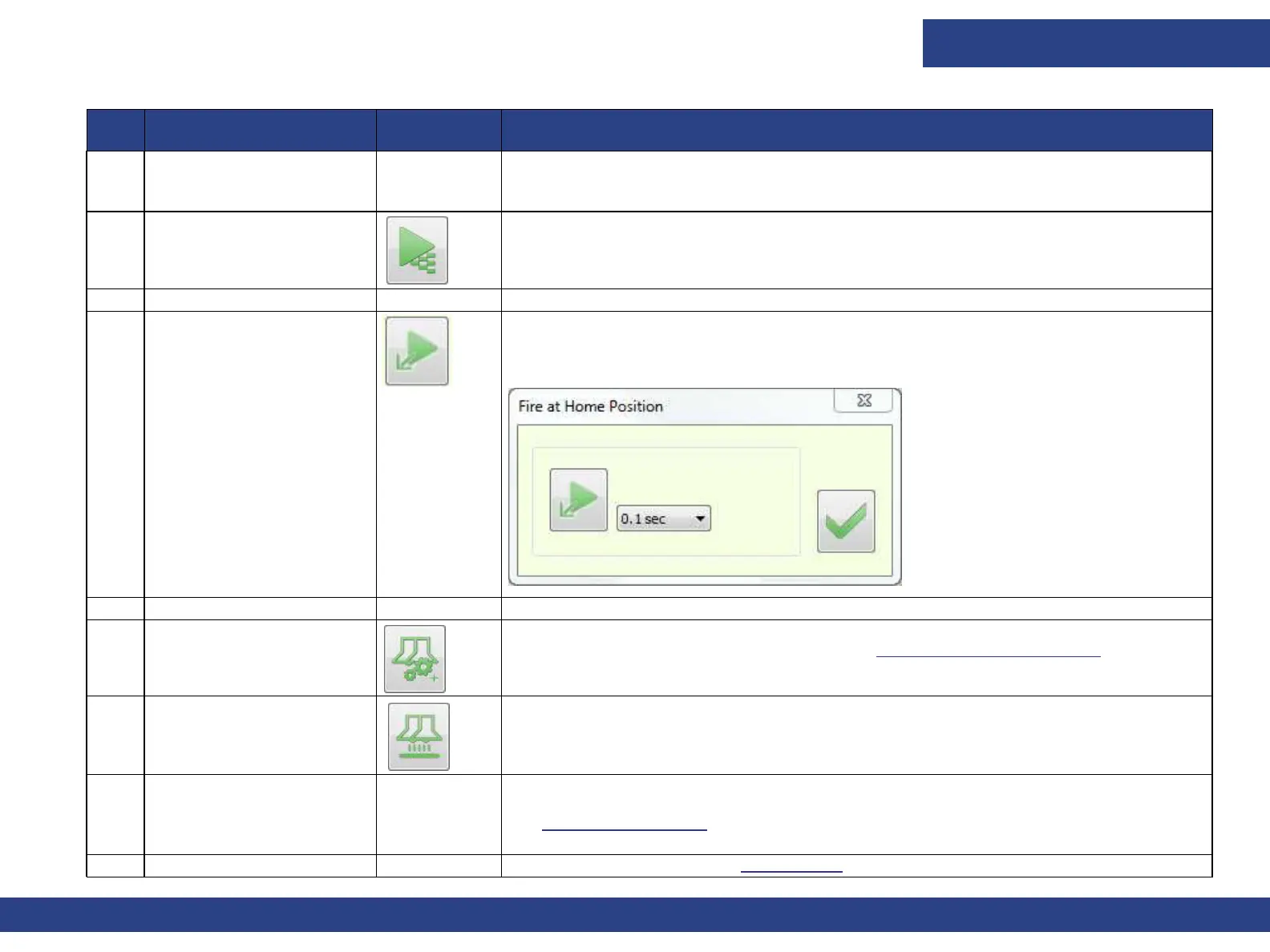
Fire at Home Position 1 Select the duration (0.1/0.5/1 sec)
2 Click the Fire button.
3 Click OK to close the dialog box.
2 Purge Set the duration of the purge (normally 2-5 seconds) for color and white inks.
3 UV System
Opens UV System Settings dialog box. See UV System Settings Dialog for details.
Last Pass Curing Causes carriage to make a pass in both directions to cure any uncured ink take-up.
NOTE: Does not print.
4 Carriage H Motor Move to Position. Set the required Height and choose Apply.
See Set Carriage Height.
5 Operator Operator’s display. See the User’s Login.



 To Next Page